Support
We're here to help! If you need assistance with our software, you have several options to reach our support team:
1. Create a Support Ticket
The fastest way to get help is by creating a support ticket through our customer portal:
Visit https://manager.lutracad.com to create a new support ticket.
Our team monitors tickets closely and will respond as quickly as possible.
2. Email Support
If you prefer to use email, you can reach our support team at:
Please provide as much detail as possible about your issue to help us assist you more effectively.
3. Phone Support
For urgent matters or if you prefer to speak with someone directly, you can call our support line:
+31 (0)85 018 51 98
Our phone support is available during business hours (9 AM - 5 PM CET, Monday to Friday).
To help us resolve your issue more quickly, please:
- Include your account information
- Provide a clear description of the problem
- Include any error messages you've encountered
- List the steps to reproduce the issue (if applicable)
While we strive to respond to all inquiries as quickly as possible, response times may vary depending on the complexity of the issue and current support volume.
Report Error
We have a "Report Error" button inside the program of LutraCAD. If you press it we will see it back in our Feedback tab.
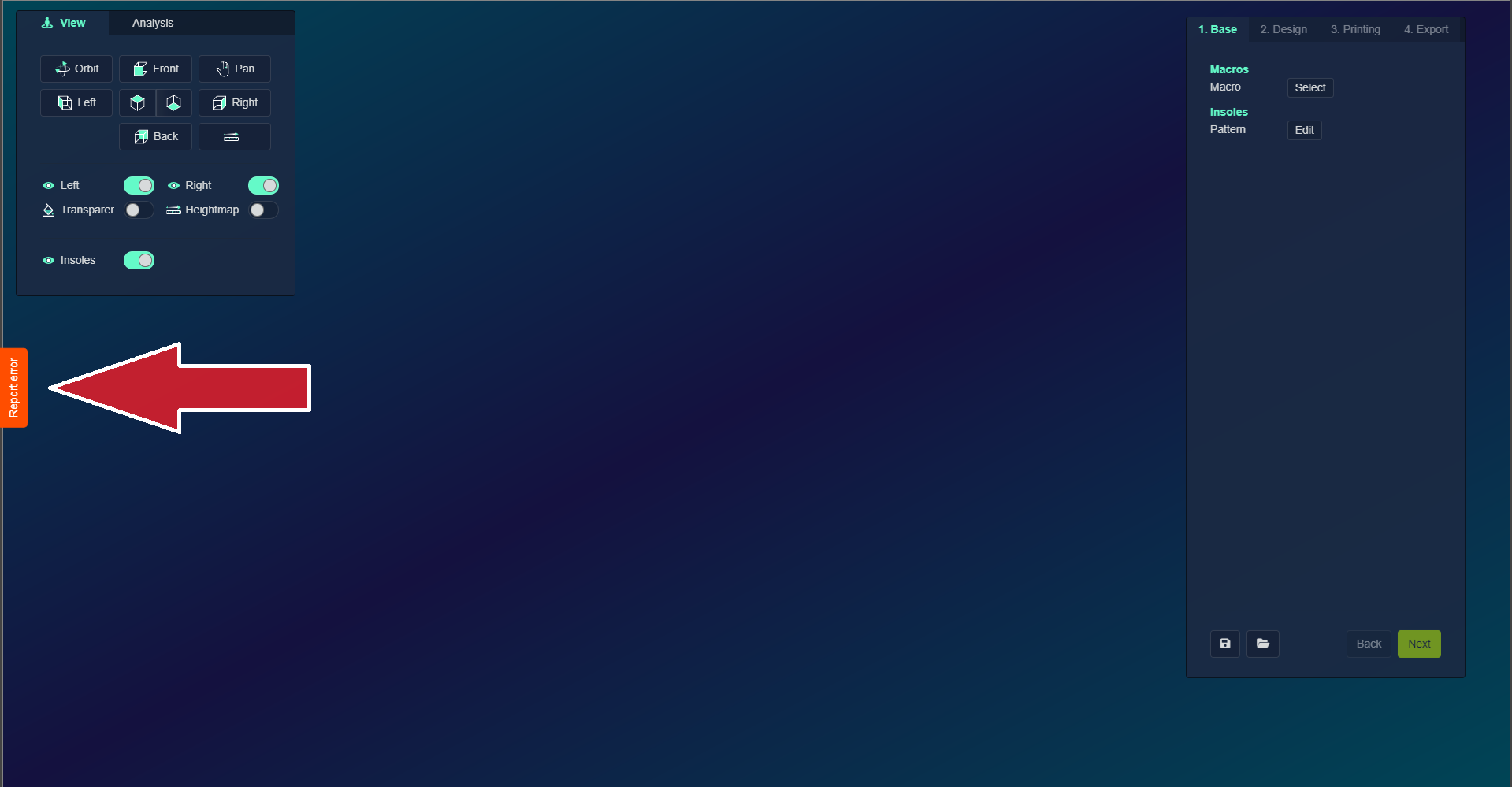
But we do know who reports the issue.
Unless we ask you to report the issue, it will be checked every quarter of the year.
Please contact our support through e-mail or phone, so we can help you quicker.
Teamviewer
When you ask us something, and we ask you to download Teamviewer, here's how!
- Download this link: https://download.teamviewer.com/download/TeamViewerQS_x64.exe
- Open the software
- Send the ID and Password to us
Then we can see exactly what happens and help you right then and there!
We are committed to providing you with the best possible support experience. Don't hesitate to reach out if you need any assistance!