1. Base
Load the scan and set up the base shape of the splint.
| Control | What it does |
|---|---|
| Scans → 3D → Edit | Load or switch the 3D scan the splint is built from. |
| Production method | Choose Milling: Brace or 3D Printing: Brace. |
| Remove Cast | Offset the surface inward (mm) to remove the thickness of a cast layer. Use a negative number to offset outward. |
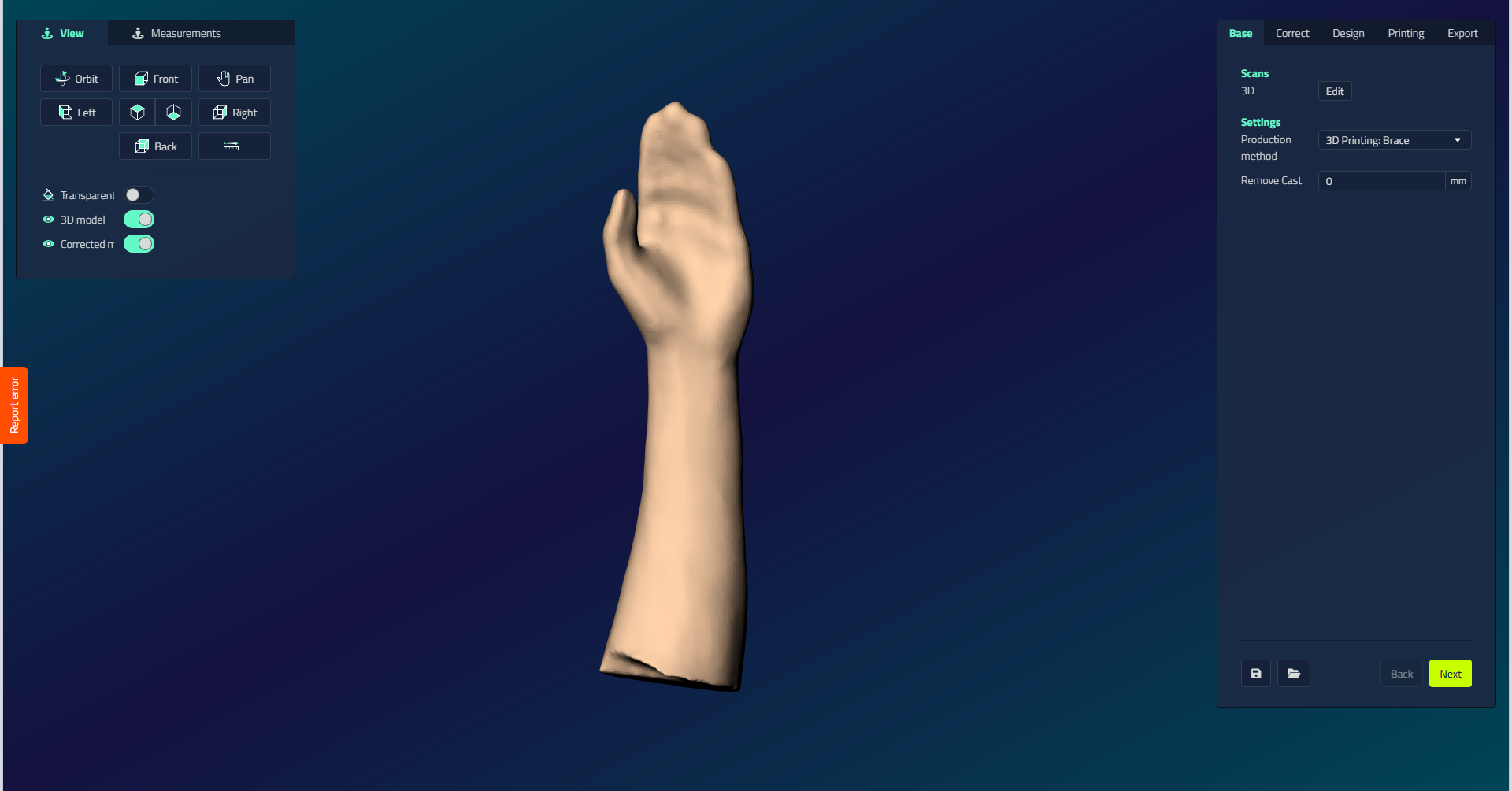
Position the hand
Position the hand correctly before you continue. When you click Back view, you should be looking at the palm side of the hand, as in the image above.
tip
You cannot continue without a base shape. Load the 3D scan first, then set Remove Cast if a cast layer needs offsetting. The Settings section only appears once a 3D scan is selected.