What's in the box
Third-party hardware guide
This page describes the Structure Sensor 3 and comes from the manufacturer, Structure (Occipital): structure.io. The text and the images are theirs, reproduced here so the setup and the app guide sit in one place. If structure.io and this page differ, they are right.
Needed only for the Structure Sensor workflow. Scanning with the FaceID Camera needs no bracket, no cable, no charging and no calibration.
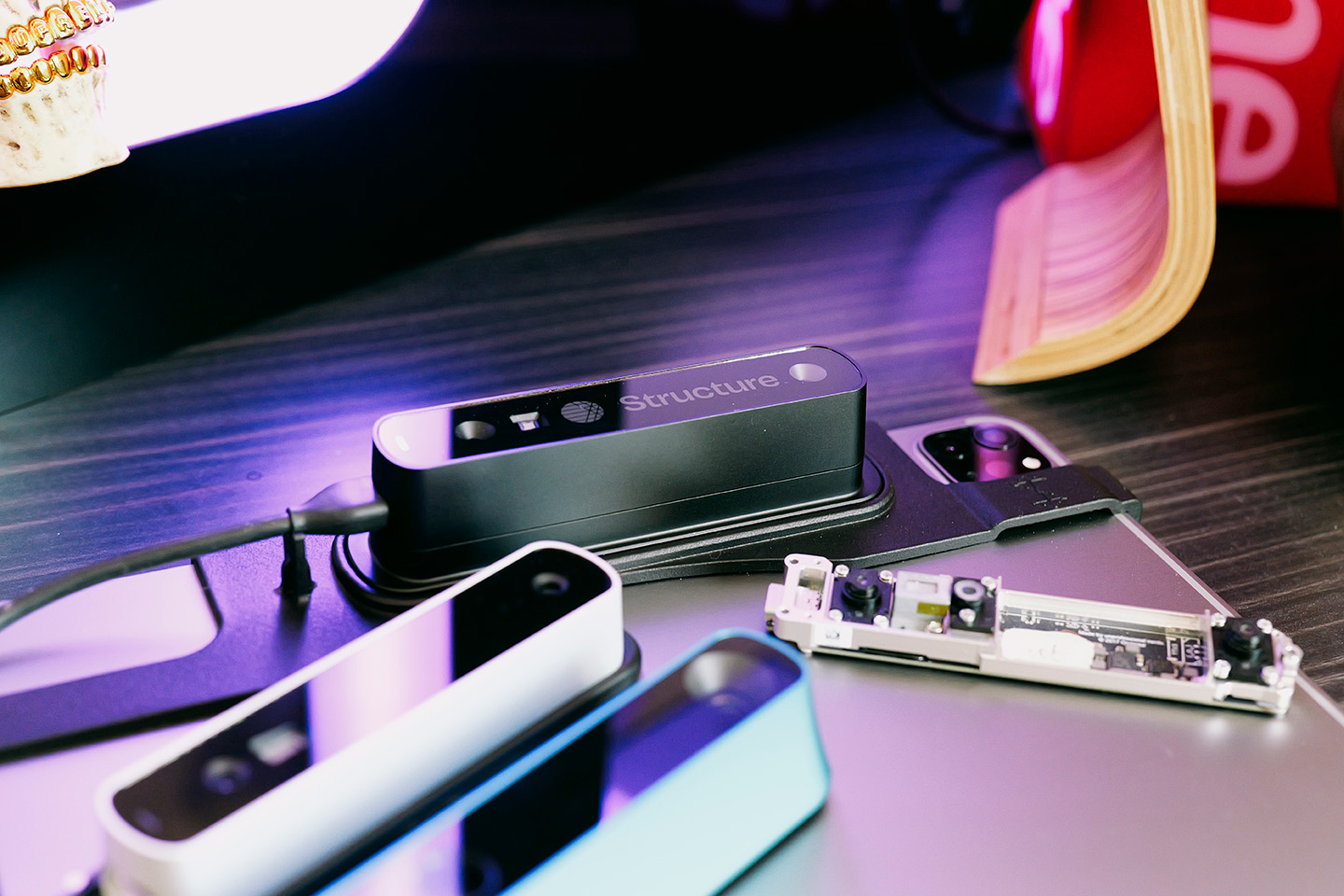
A new sensor arrives in a packing box holding a Gift Box, a Bracket and a Cable.
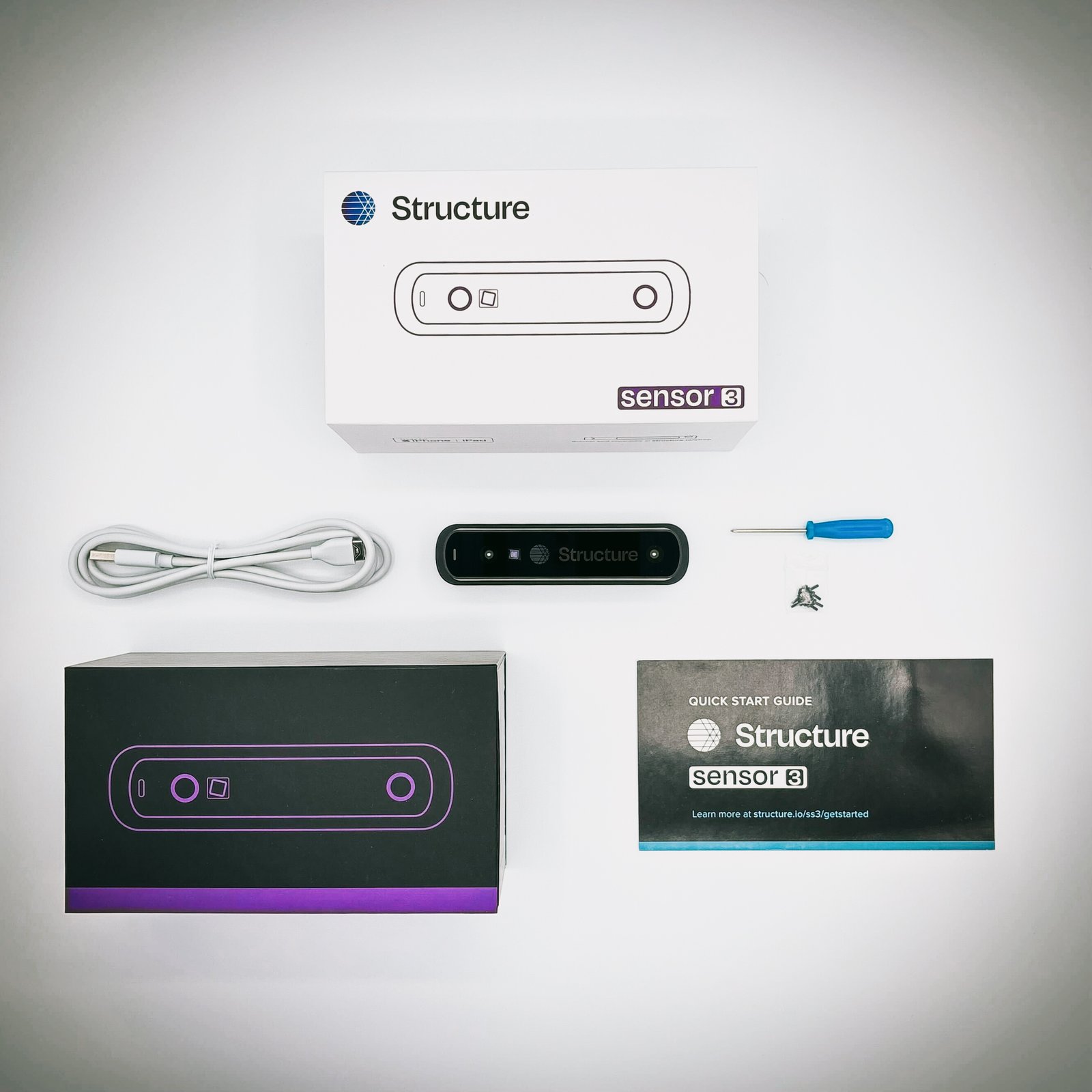
The gift box
- One Structure Sensor 3
- One USB charging cable
- One magnetic screwdriver
- Ten (10) M1.6 screws
- One user manual
note
If anything is missing, contact support@structure.io.
Brackets
Which one you have depends on your iPad.
| Bracket | For |
|---|---|
Compression bracket 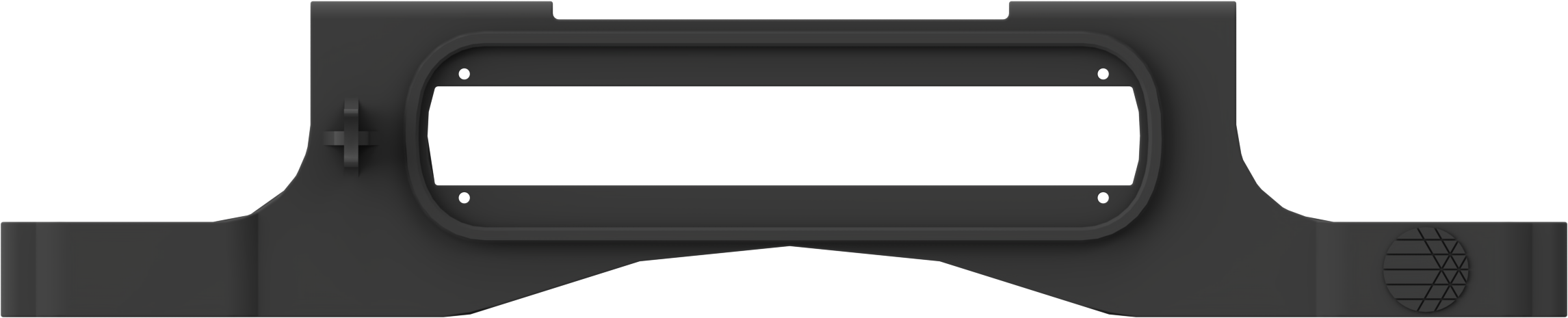 | Newer iPads |
Precision bracket  | iPad (9th gen) only |
Cables
| Cable | |
|---|---|
| USB-C | 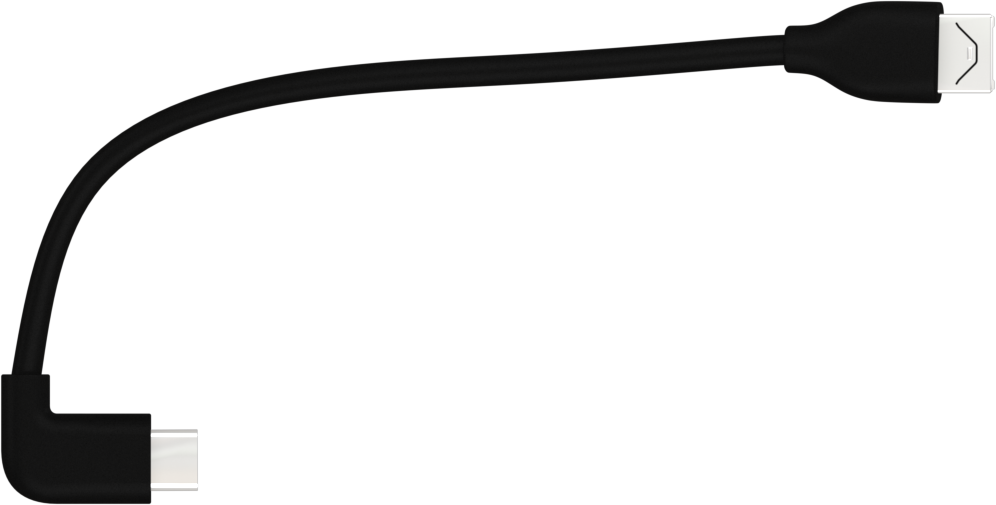 |
| Lightning | 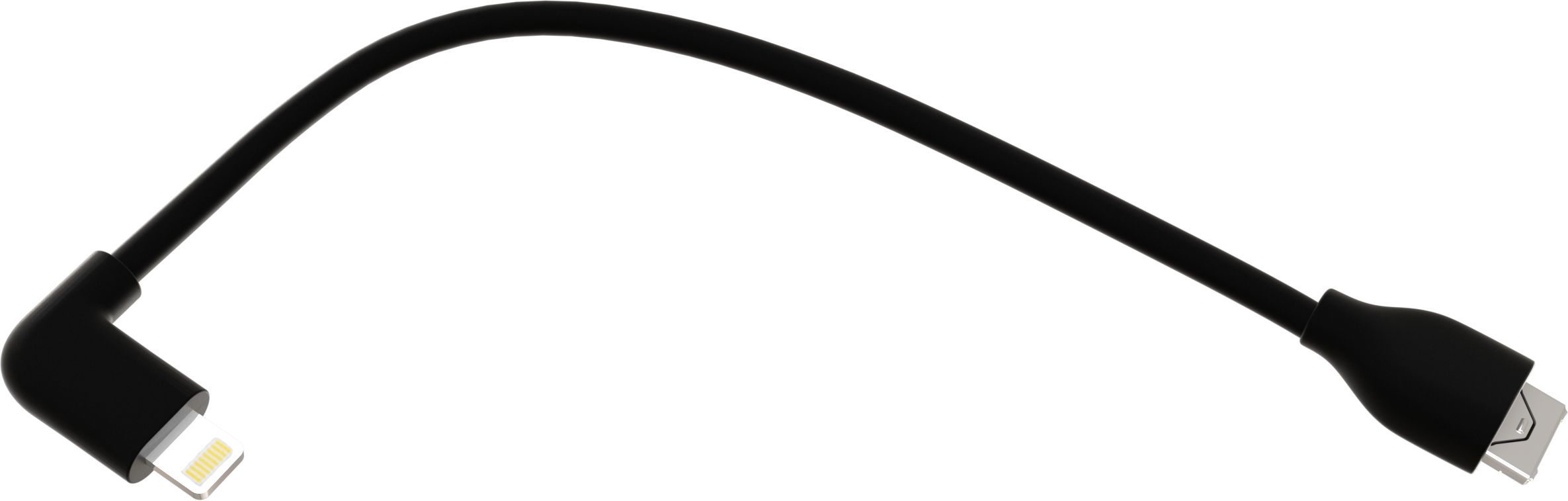 |
Which iPad, and which bracket?
Structure lists every supported iPad and the bracket it needs: Structure Sensor 3: Which iPads can I use?.