Charging
This page describes the Structure Sensor 3 and comes from the manufacturer, Structure (Occipital): structure.io. The text and the images are theirs, reproduced here so the setup and the app guide sit in one place. If structure.io and this page differ, they are right.
Needed only for the Structure Sensor workflow. Scanning with the FaceID Camera needs no bracket, no cable, no charging and no calibration.
The sensor has its own internal battery, to spare the iPad's. Connect the charging cable to the sensor and plug the USB end into any strong USB 2.0-compatible device.
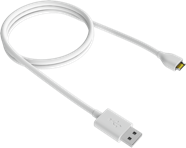
Charging times
| Connected to | Time |
|---|---|
| Wall charger (more than 1.5A/7.5W output) | About 2 hours |
| PC via a USB charging port or a powered USB hub | About 2.5 hours |
| PC USB port (native data port) | About 5.5 hours |
| USB-C iPad | About 18 hours |
These times vary with firmware version.
Charging from the iPad takes about 18 hours, so it is not a way to top up between patients. Charge from a wall charger.
Status LED
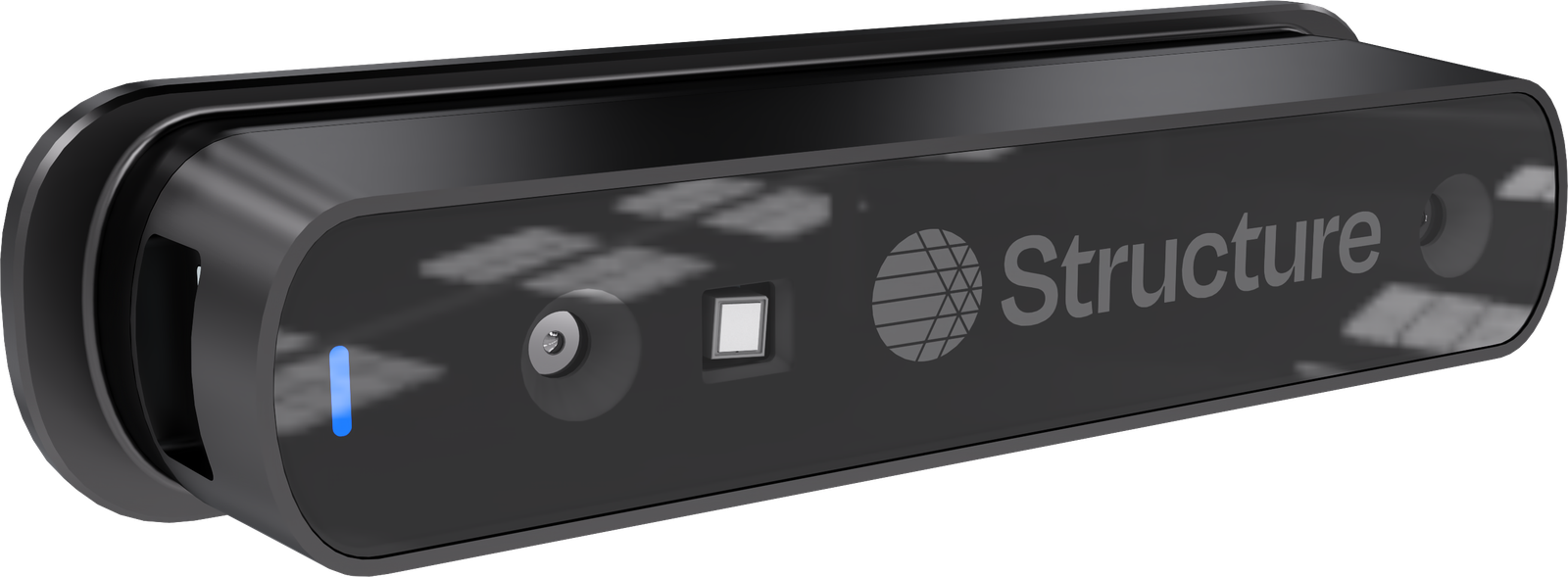
The LED pulses blue while charging and stays solid once the battery is full, until disconnected.
An empty sensor makes the scan screen report Please charge Structure Sensor. See The scan screen.