Undo & History
Every change you make in the design environment is recorded as an action. This means nothing is ever truly lost: you can revert any correction, put it back, or step back through your work. The history is the main way to fix a mistake or experiment safely.
The History tab
Select an object in the viewport, then open the History tab in the Action panel on the left. It lists all the actions applied to that object, newest first. Each entry is one action you added, so the list reads as a running record of how the object was built.
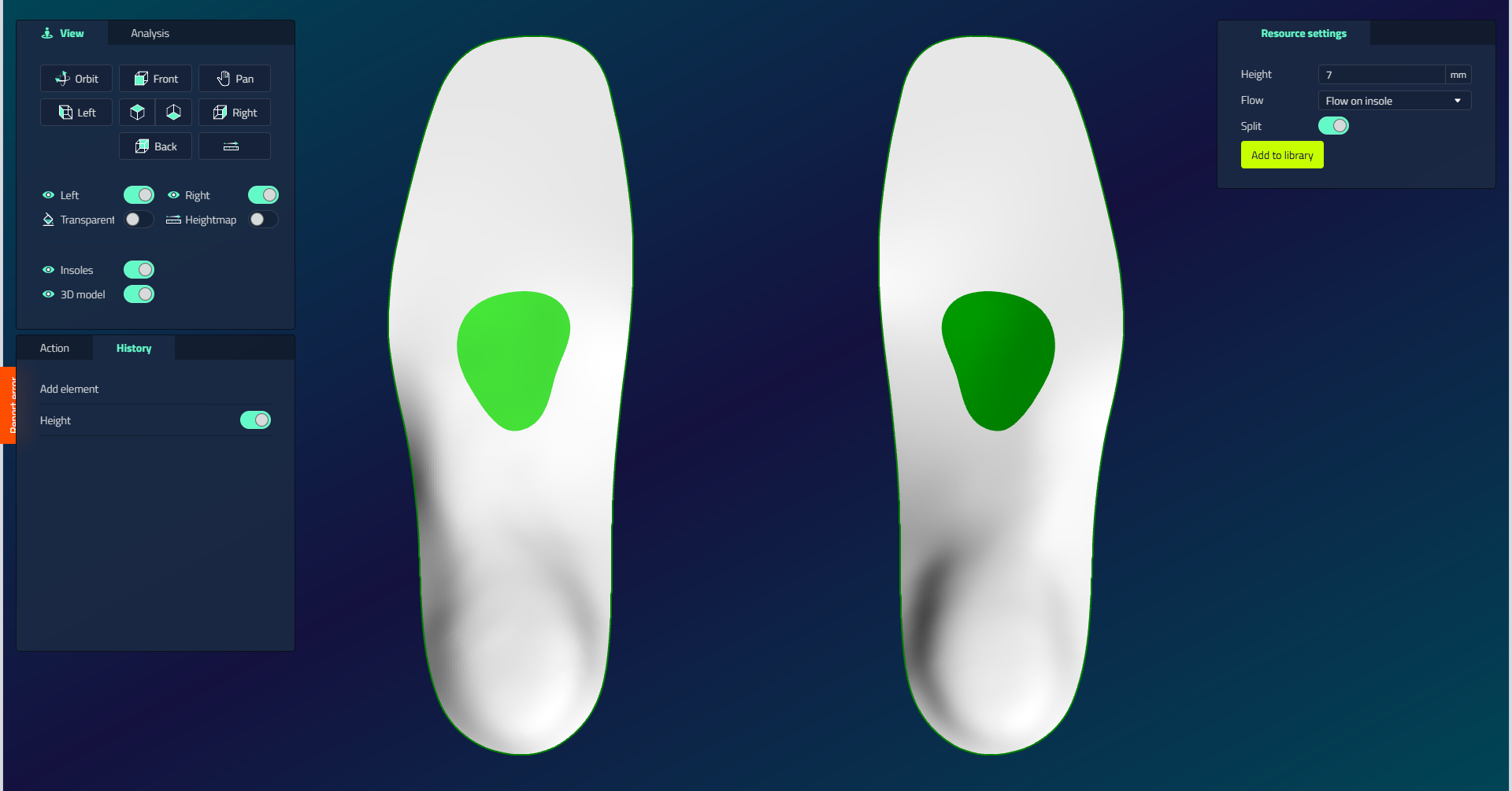
Three ways to revert
| To... | Do this | Effect |
|---|---|---|
| Temporarily turn an action off | Uncheck it in the History | The model recalculates without it; the action stays in the list so you can re-enable it |
| Remove an action for good | Delete it from the History | The action is gone permanently |
| Undo or redo the last change | Press Ctrl + Z to undo, Ctrl + Y to redo | Steps back or forward through your most recent actions |