General
Location: Account → Settings → Basic
General workstation settings. Click Save at the bottom right to apply your changes.
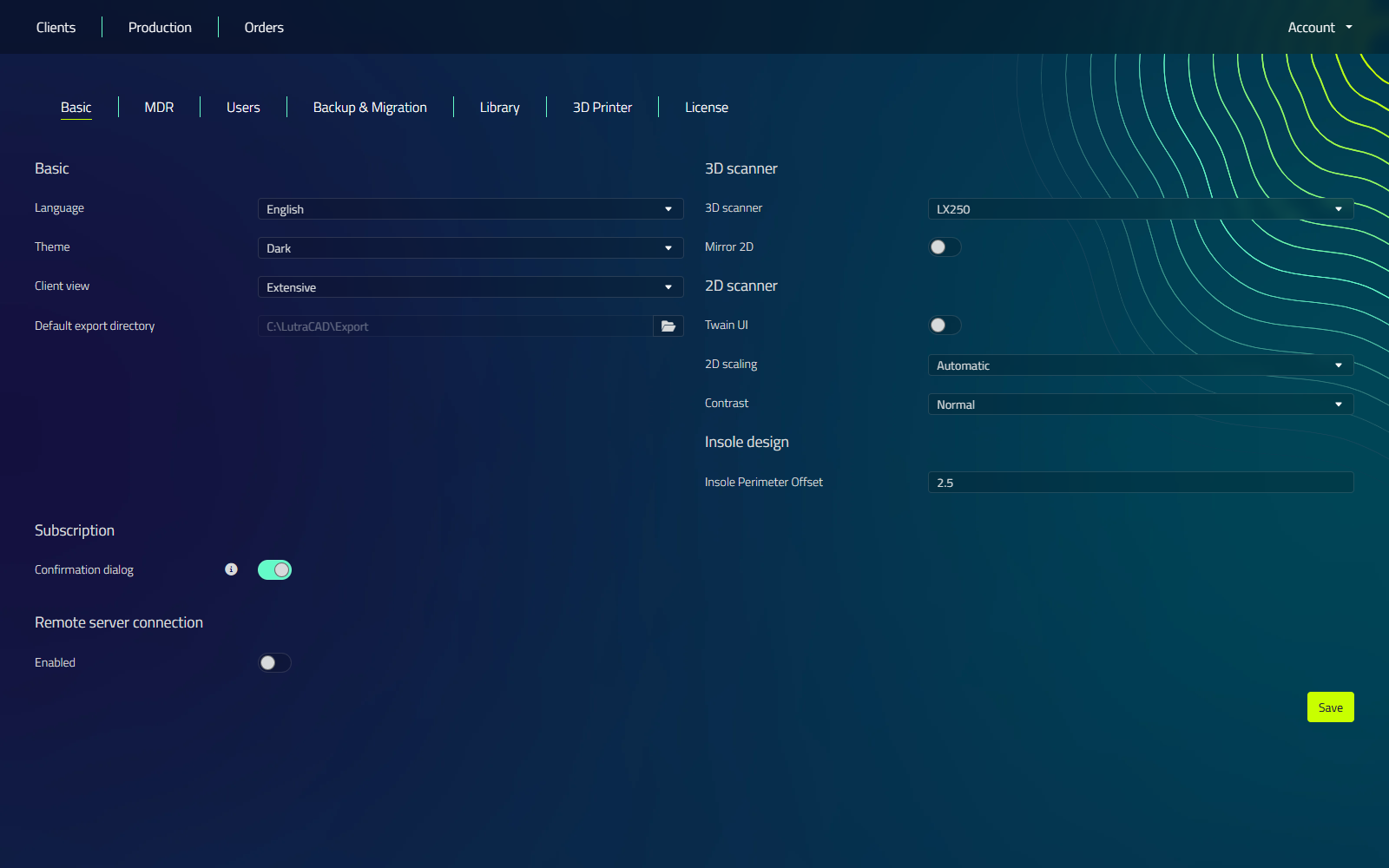
This page covers the general options on the Basic tab. The tab holds more than fits on one page, so its other sections have their own pages:
| Section | Page |
|---|---|
| Language | Language |
| Remote server connection | Server |
| 3D scanner and 2D scanner | Scanners |
| Pressure plate | Pressure plates |
| Insole and design defaults | Default values |
note
The other Settings tabs are documented separately: MDR, Users, Backup & Migration, Library, and License. Printer & Materials covers both the Printer & Materials and Network printers tabs.
General options
| Setting | What it does |
|---|---|
| Theme | Interface theme. Available themes depend on your license. |
| Client view | Controls how much client detail the UI shows: Compact or Extensive. |
| Default export directory | Sets the folder that export dialogs open in by default. Click the folder icon to select it. |
Subscription
| Setting | What it does |
|---|---|
| Confirmation dialog | Shows a confirmation dialog before any action that uses subscription credits. |