Calibrate Scraper
Here you can find the instructions how to Calibrate the Scraper on your Belt printer, follow along step by step!
1. Loosen the scraper.
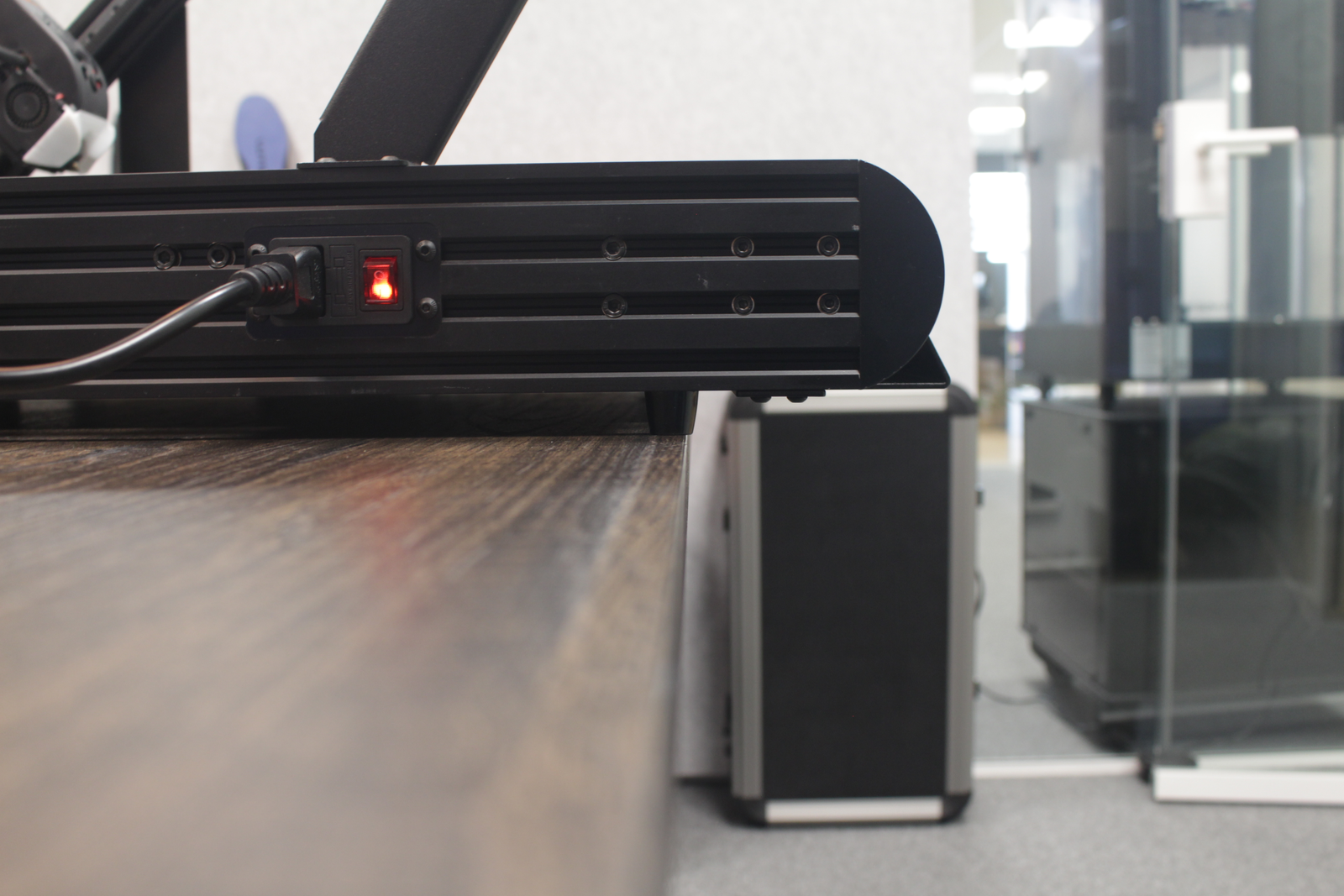
Move the printer to the edge of a table to have room to work underneath the printer.
The scraper is held in place by 4 screws on the bottom. 2 screws left, 2 screws right. Loosen the 4 screws, don't unscrew completely.
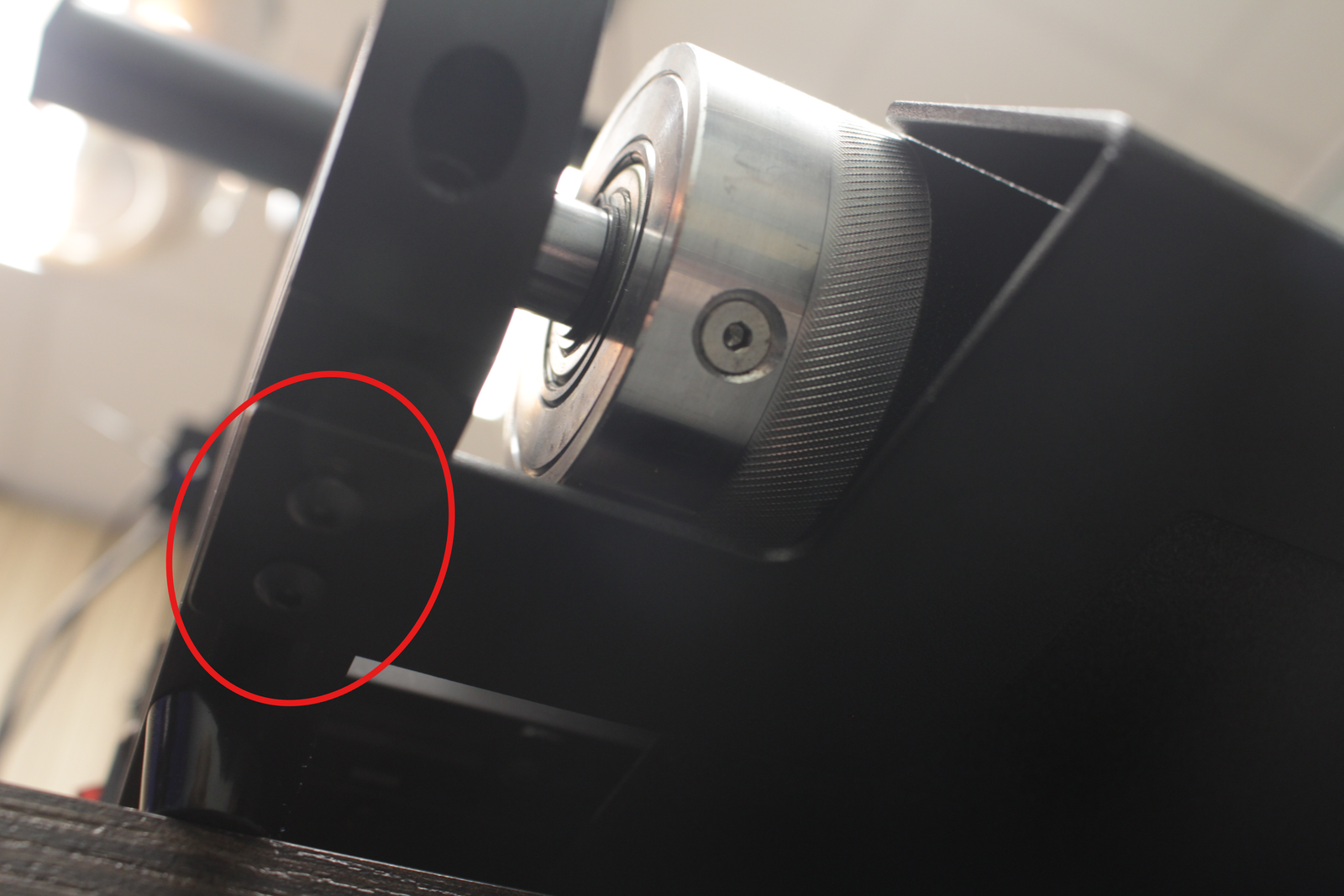
And move the scraper away from the Belt.
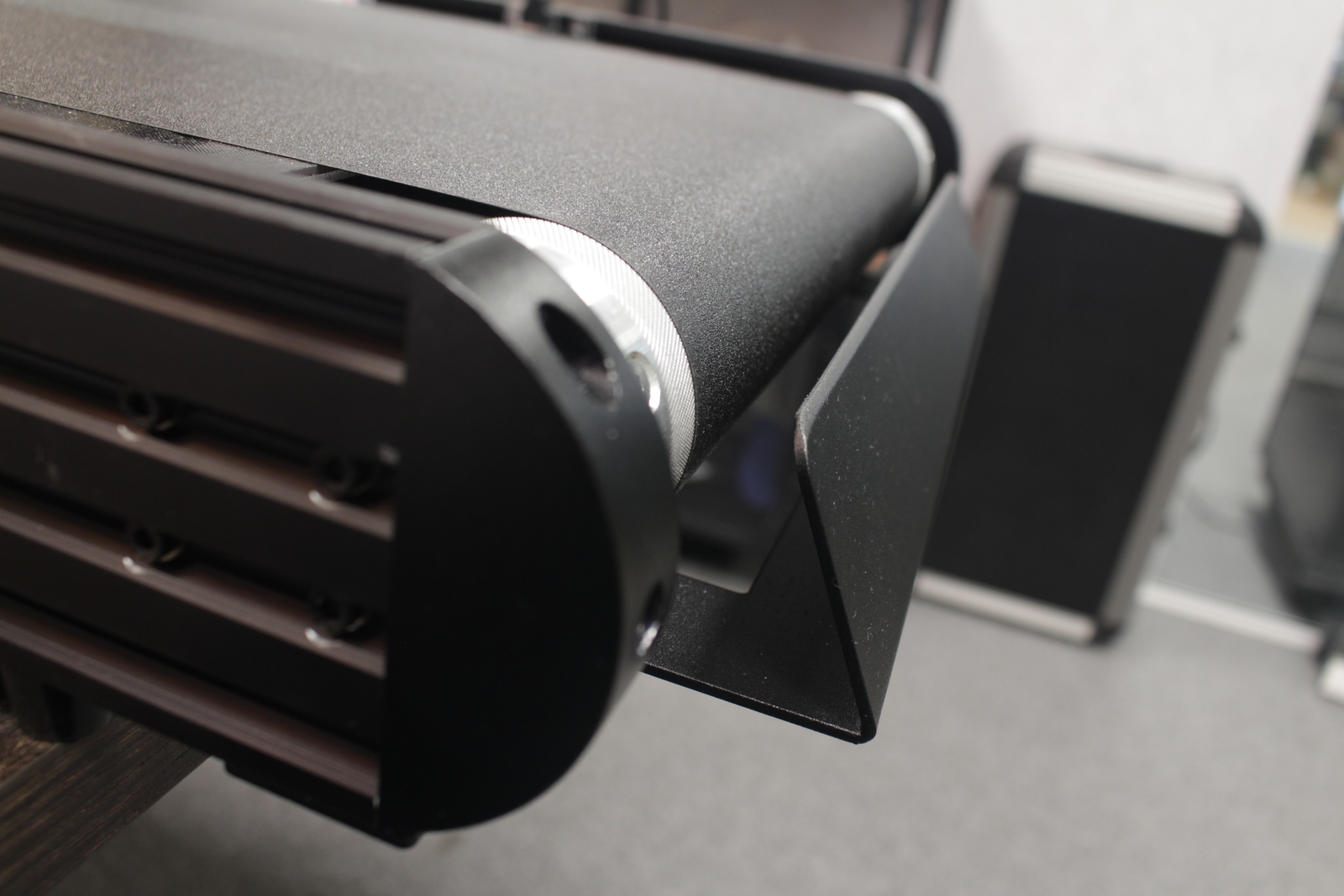
2. Check distance
Check the distance of the scraper to the belt with A4 paper. Place this in between the scraper and belt.
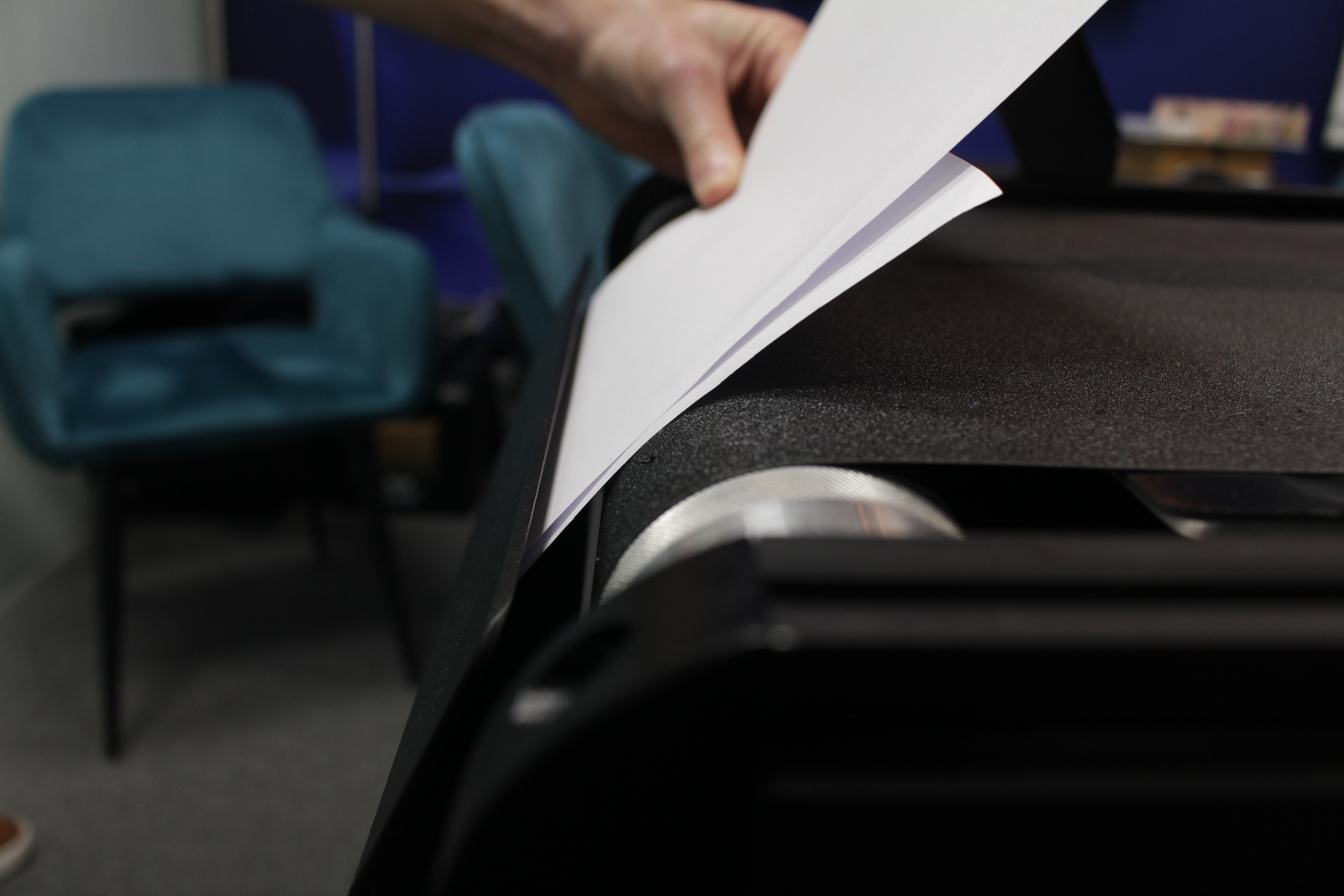
3. Push the scraper carefully towards the belt.
Move the scraper close to the belt, an A4 paper folded is the perfect distance.
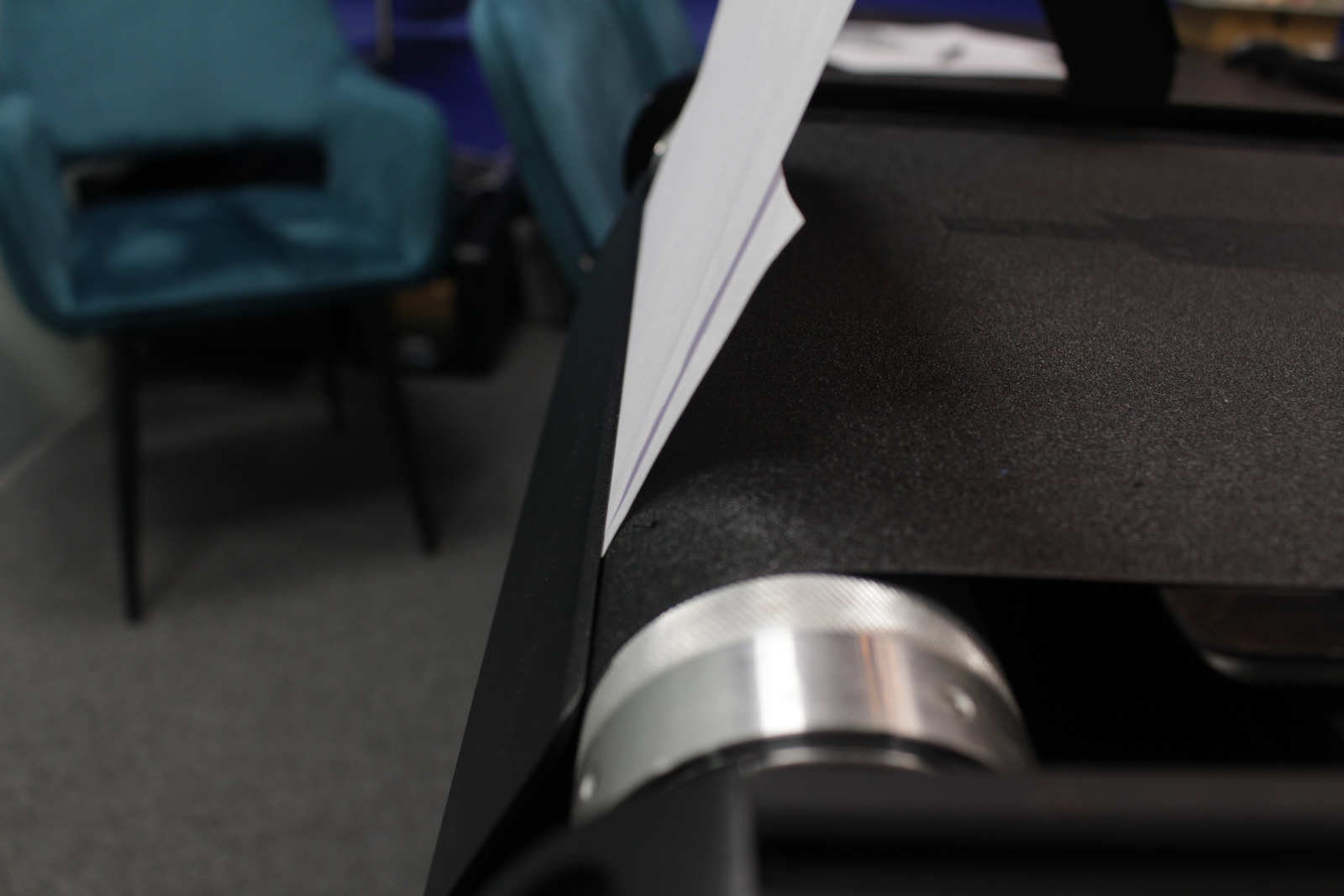
Slightly screw loose the screws and move the scraper slightly. Then check the distance again with an unfolded A4 paper.
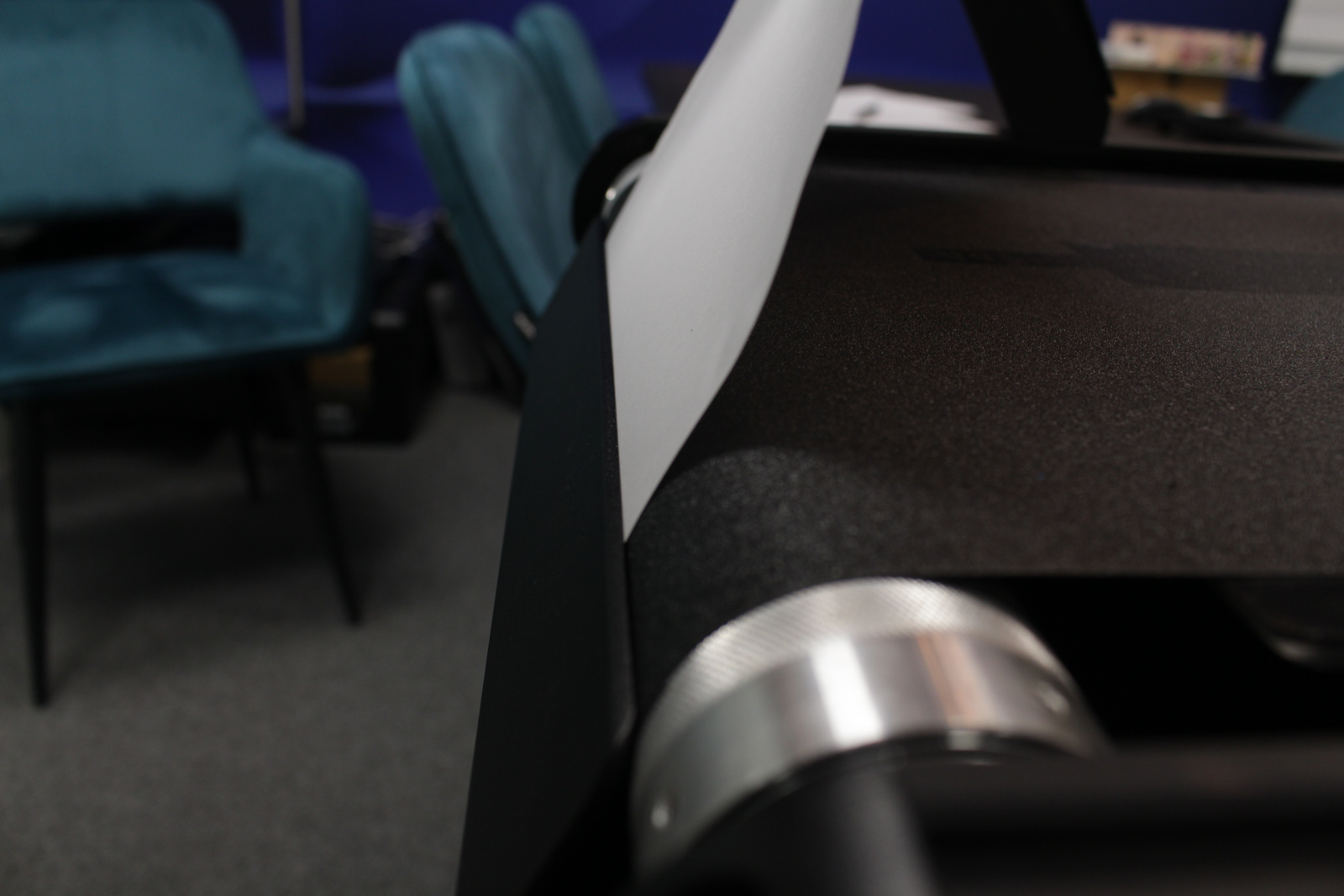
4. Screw back the 4 screws.
After screwing back the 4 screws, the A4 paper has to be able to move freely from left to right in between the scraper and the belt. Make sure there is no extra room in between otherwise the insoles might not come off the belt easily.