Load Filament
Here you can find the instructions how to Load the Filament on your Belt printer.
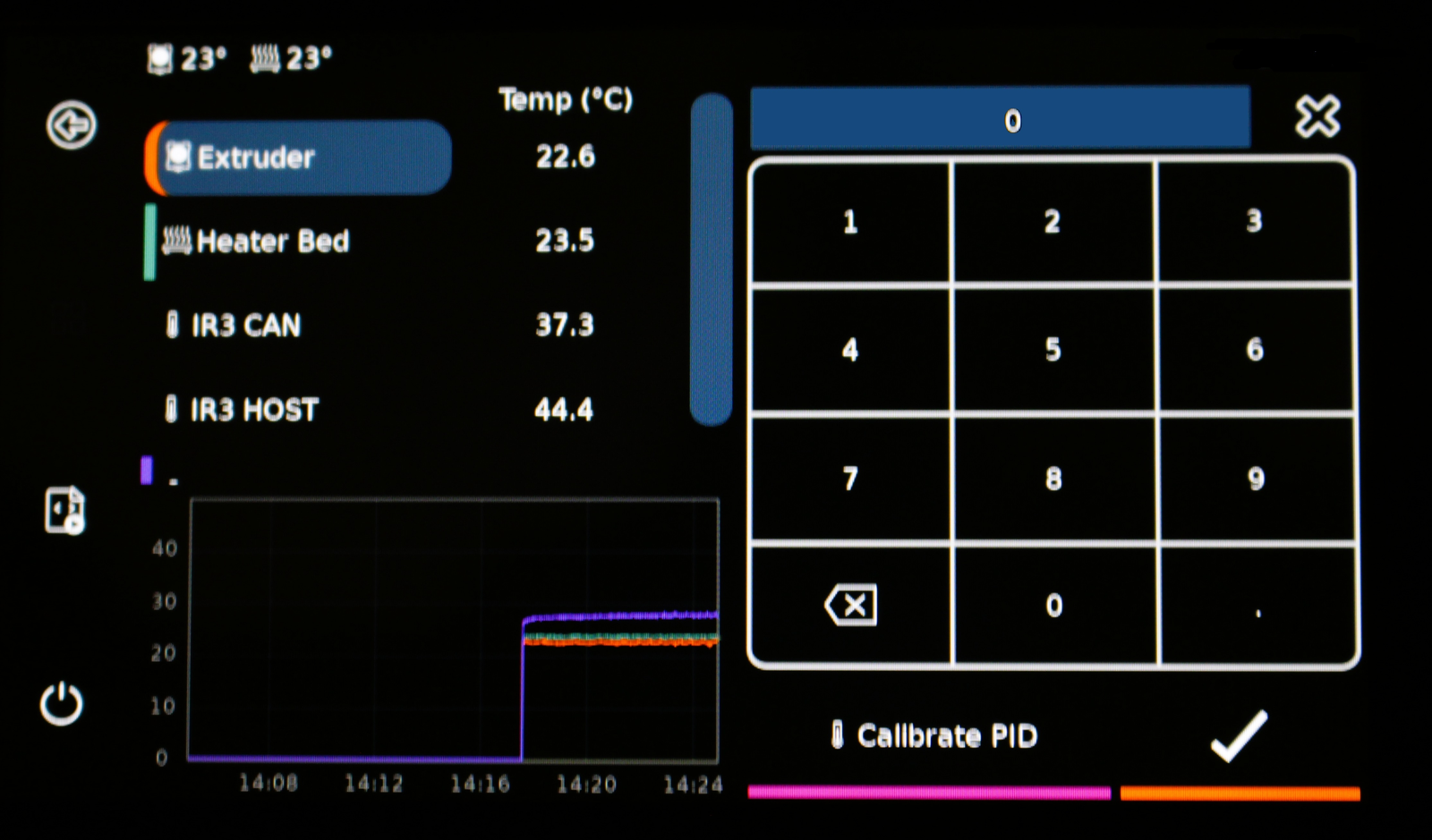
1. Set the Temperature to 220 Degrees.
Tap on the temperature behind "Extruder", enter 220 and click the checkmark to confirm.
Wait for the Temperature to reach 220 Degrees.
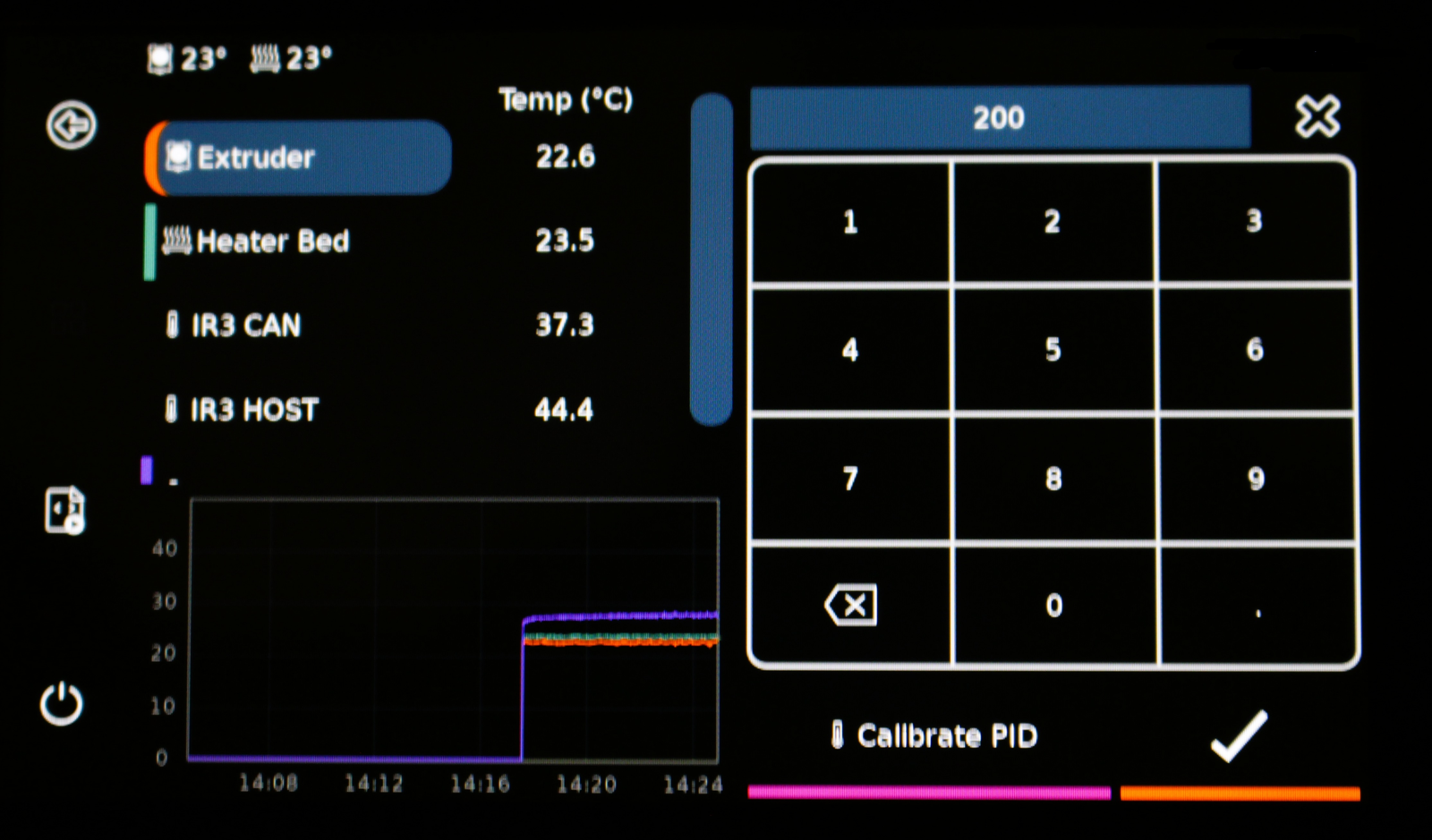
2. Navigate to the right menu.
- Go to the home screen
- Click on Extrude
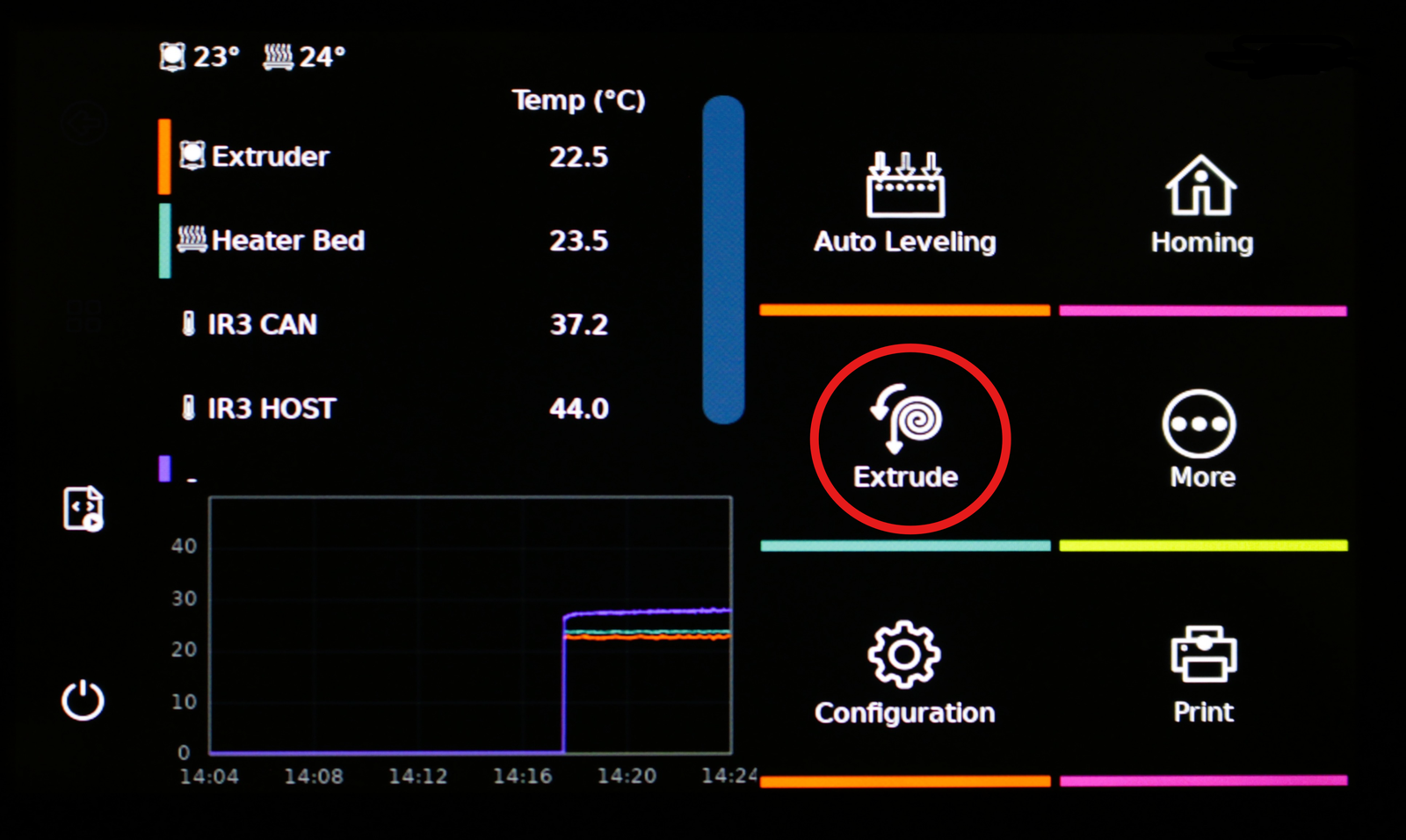
Optional
tip
Change the distance and speed to the maximum for the filament to load quicker.
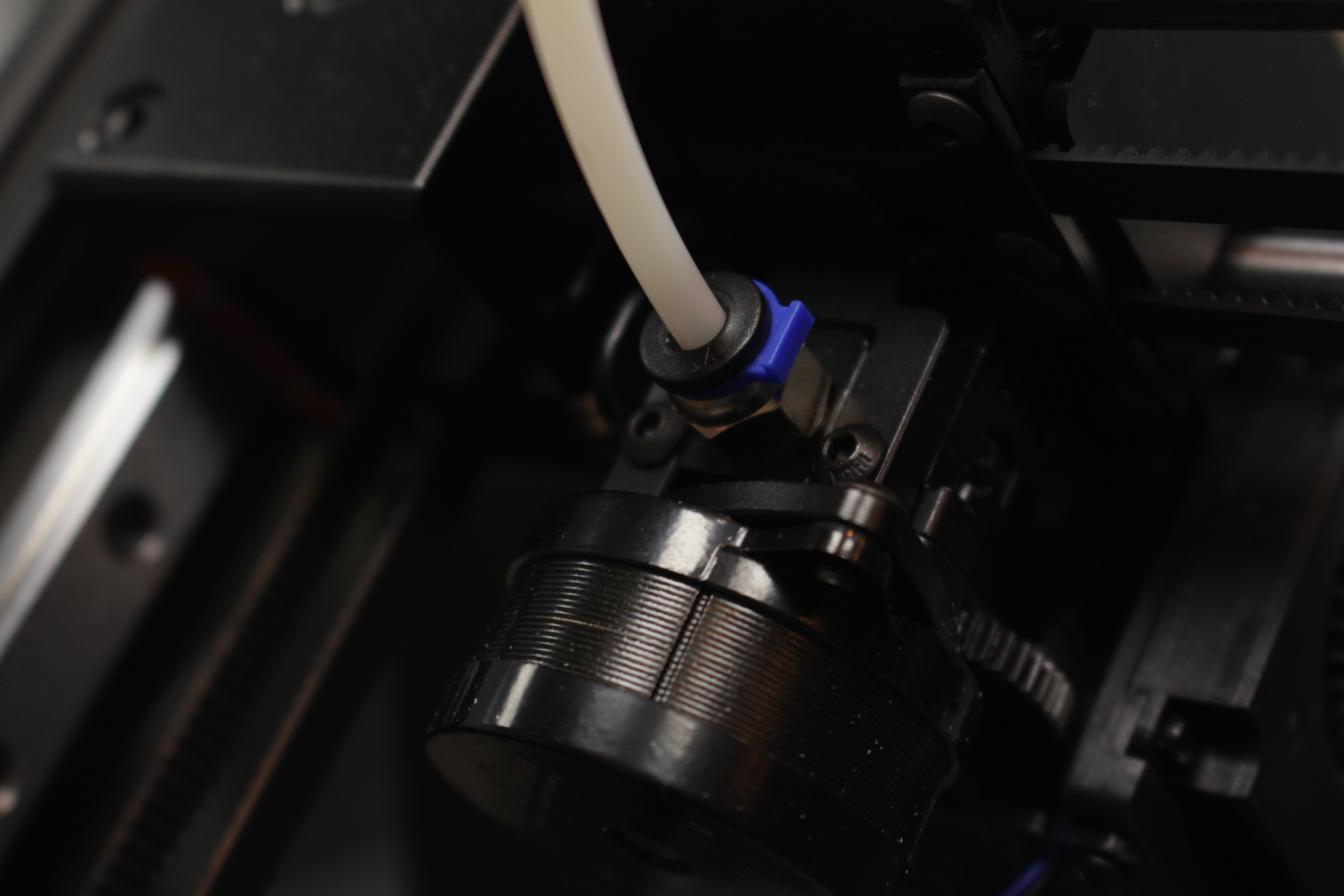
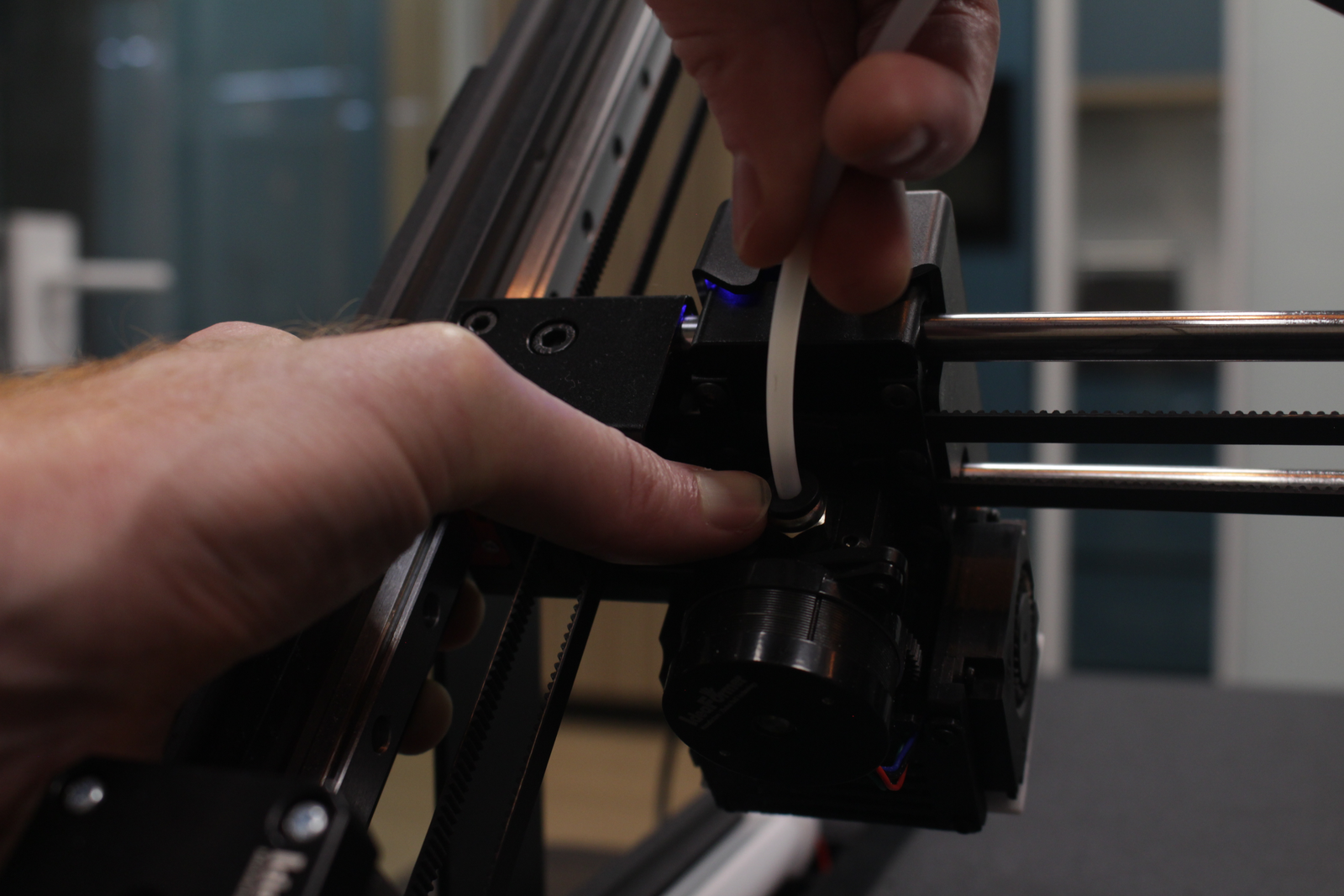
3. Remove the PTFE tube.
- Remove the blue clip
- Press the black part where the PTFE tube enters the extruder
- While pressing the black part pull out the PTFE tube
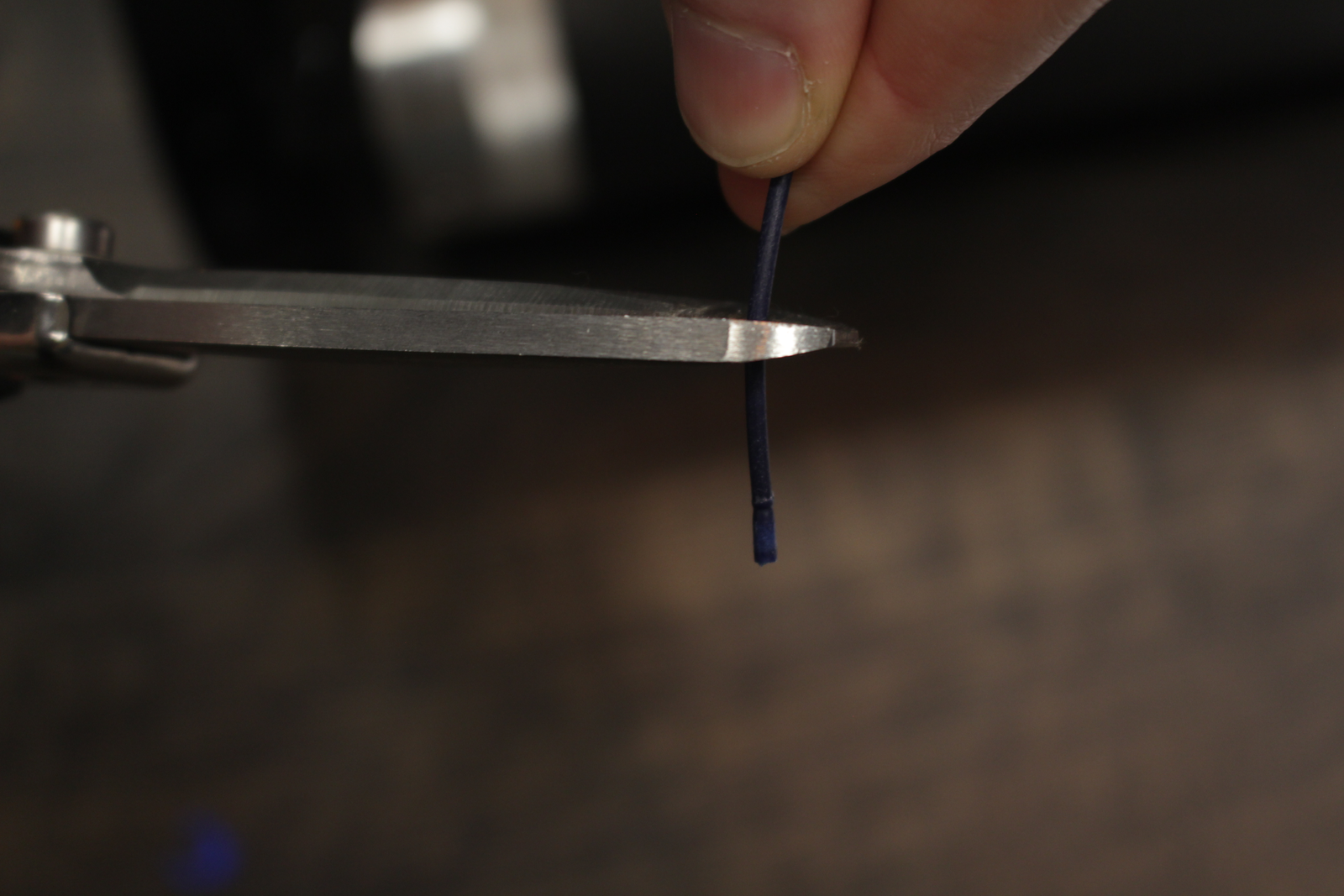
- Cut the filament off straight.
4. Load the filament through the tube.
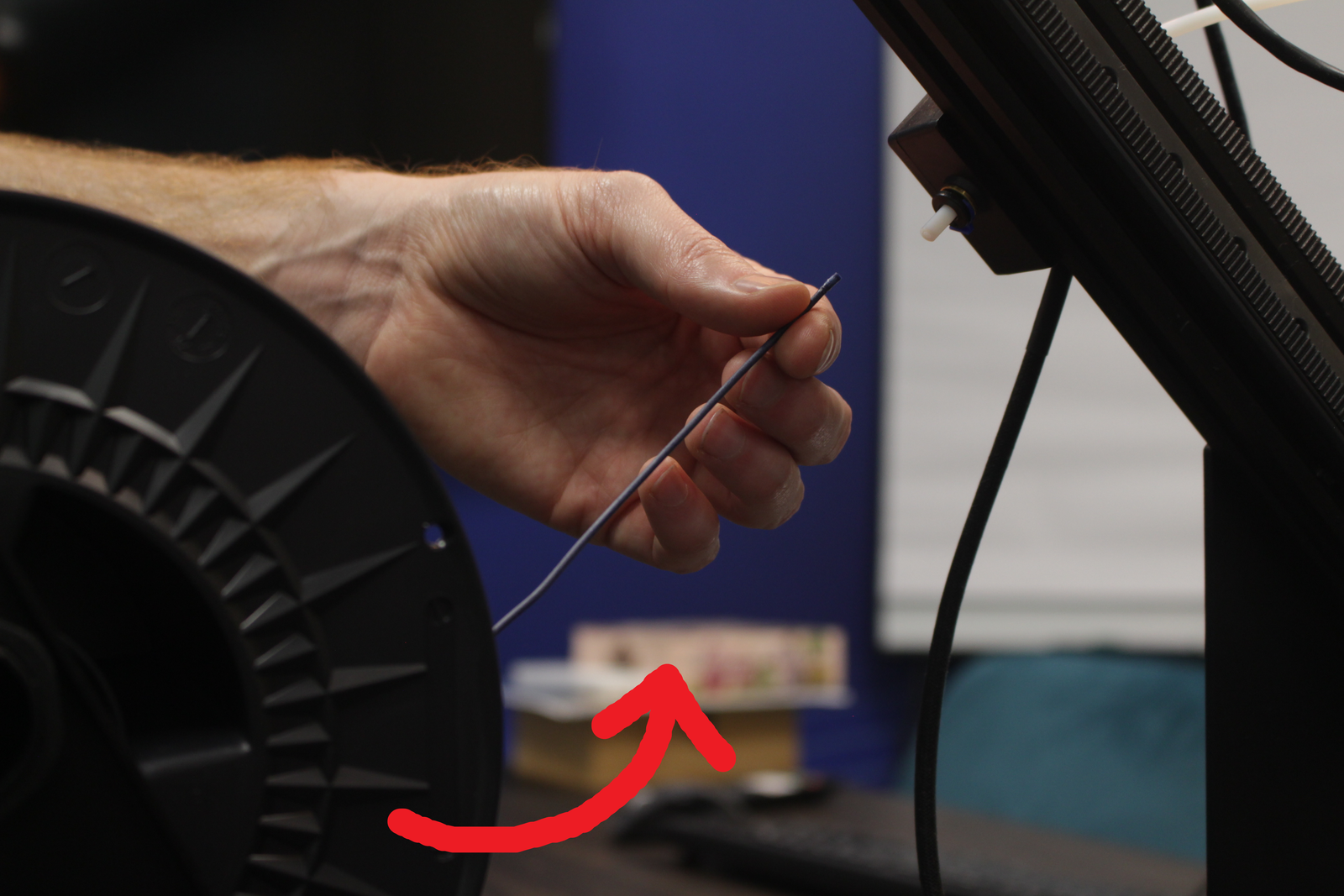
Push the filament in the back of the printhead, through the white tube.
Make sure that the material from the spool loads in downwards like the arrow shown down below.
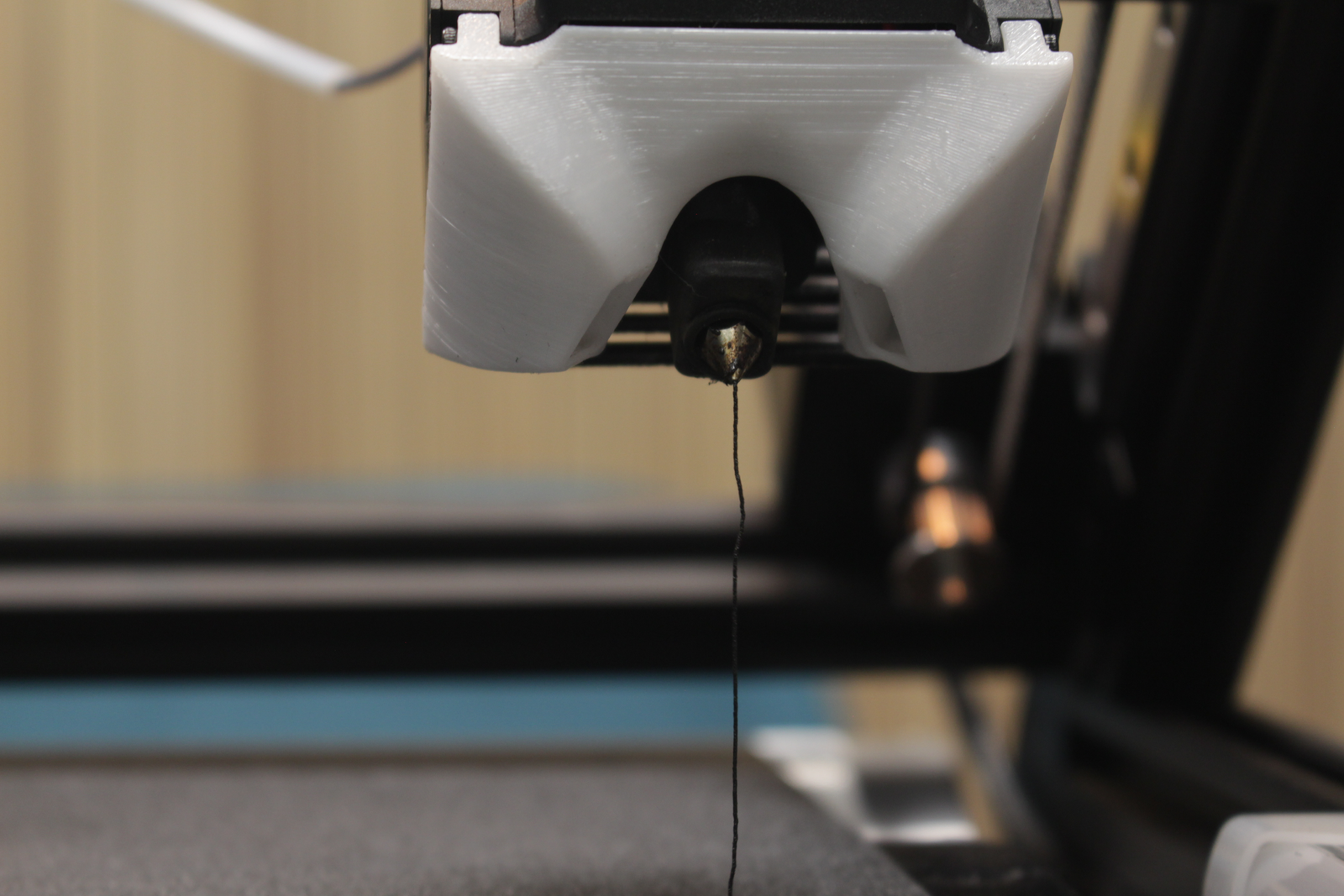
5. Extrude until material comes out of the nozzle.
When the material is fully pushed through the PTFE tube. You can click the Extrude button on the screen to extrude the material.
Click on Extrude 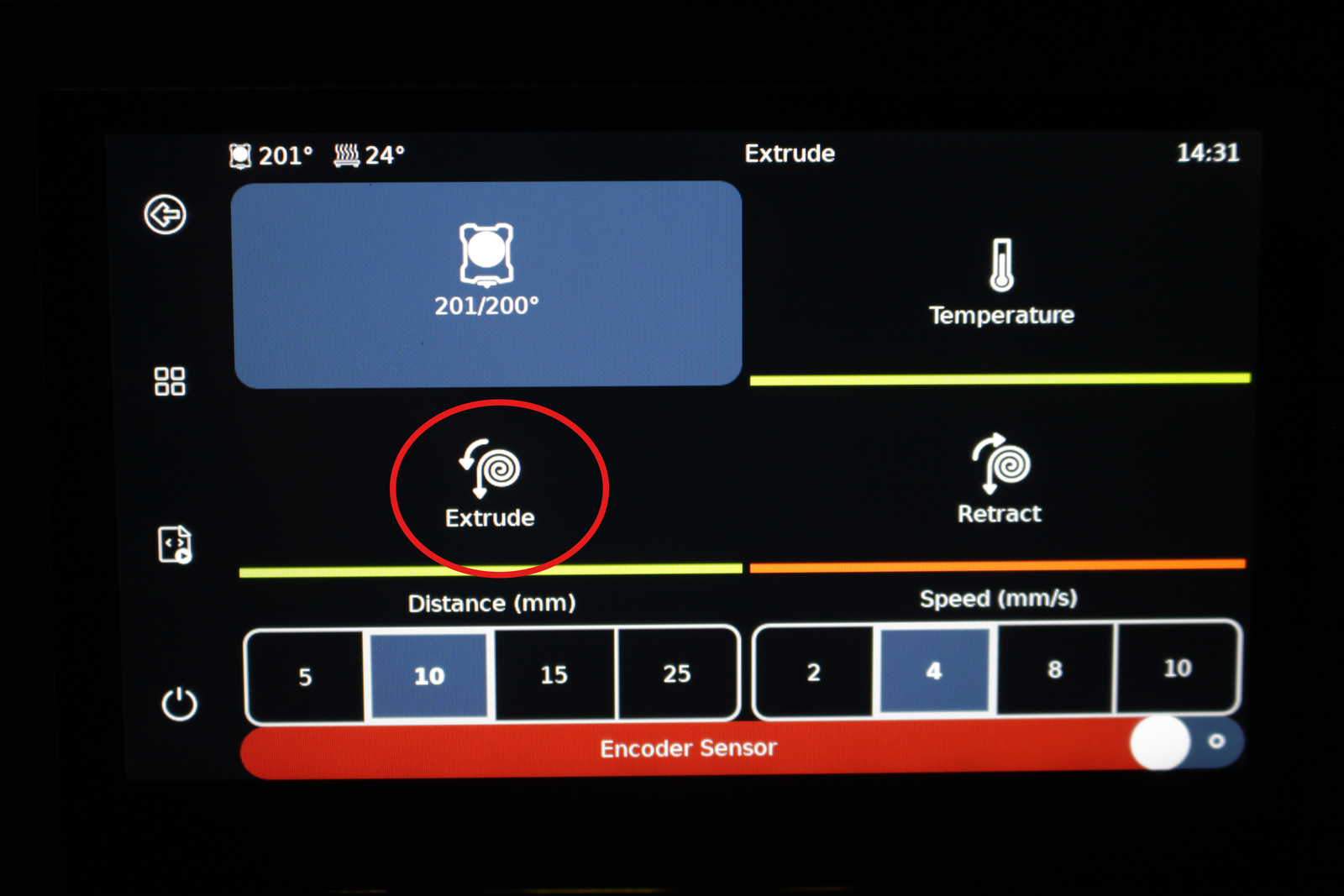
6. Put the tube back in its place.
7. Put the temperature back to 0 Degrees.
Tap on the temperature behind "Extruder", enter 0 and click the checkmark to confirm.