Connect to Wi-Fi
This guide explains how to connect your Belt printer to a Wi-Fi network and find its IP address.
1. Go to configuration.
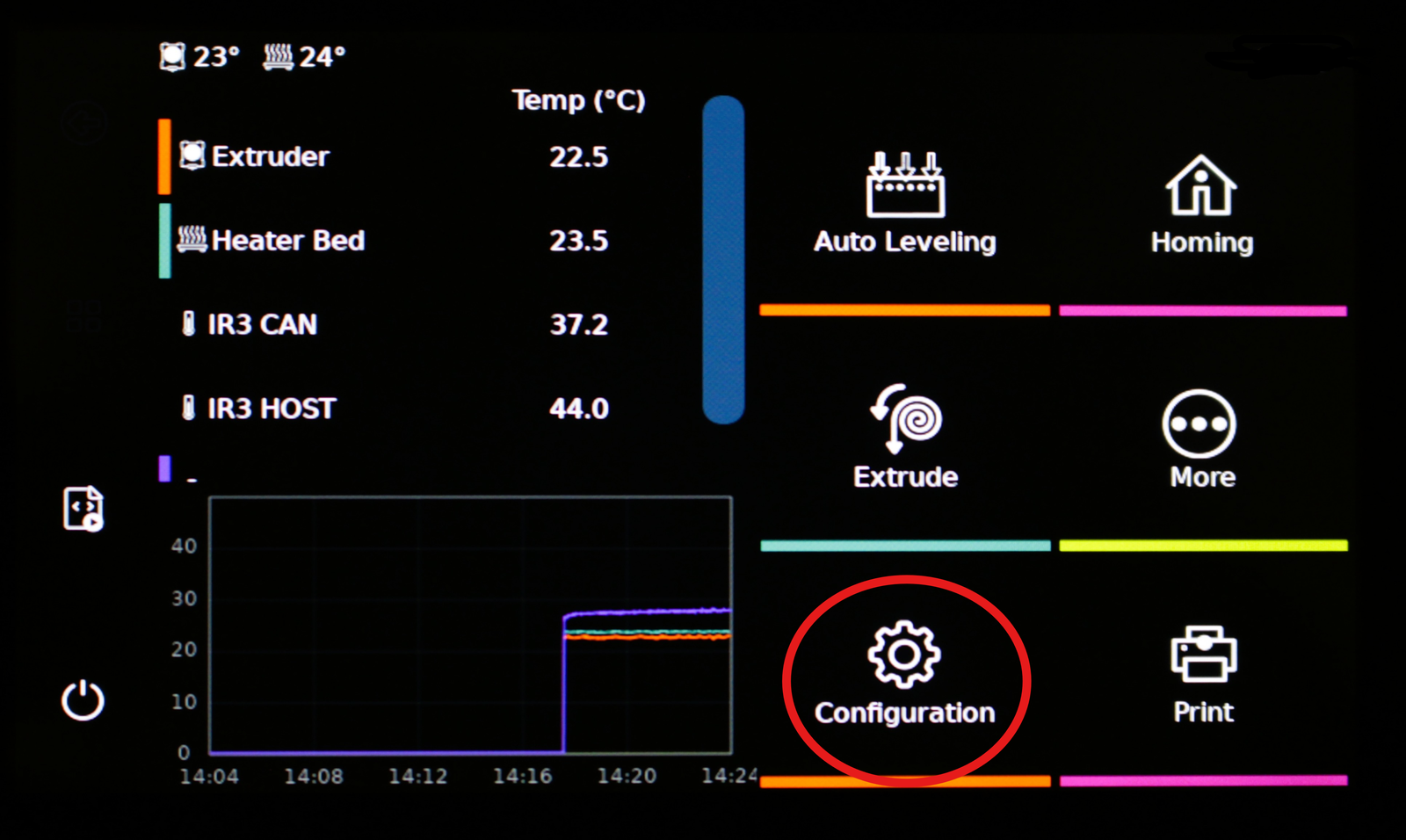
2. Go to network.
3. Use the arrow keys to connect the printer to the Wi-Fi.
4. Fill in the password.
5. Connect with the Wi-Fi.
6. Press back when finished.
