Mold
Used for a positive mold.
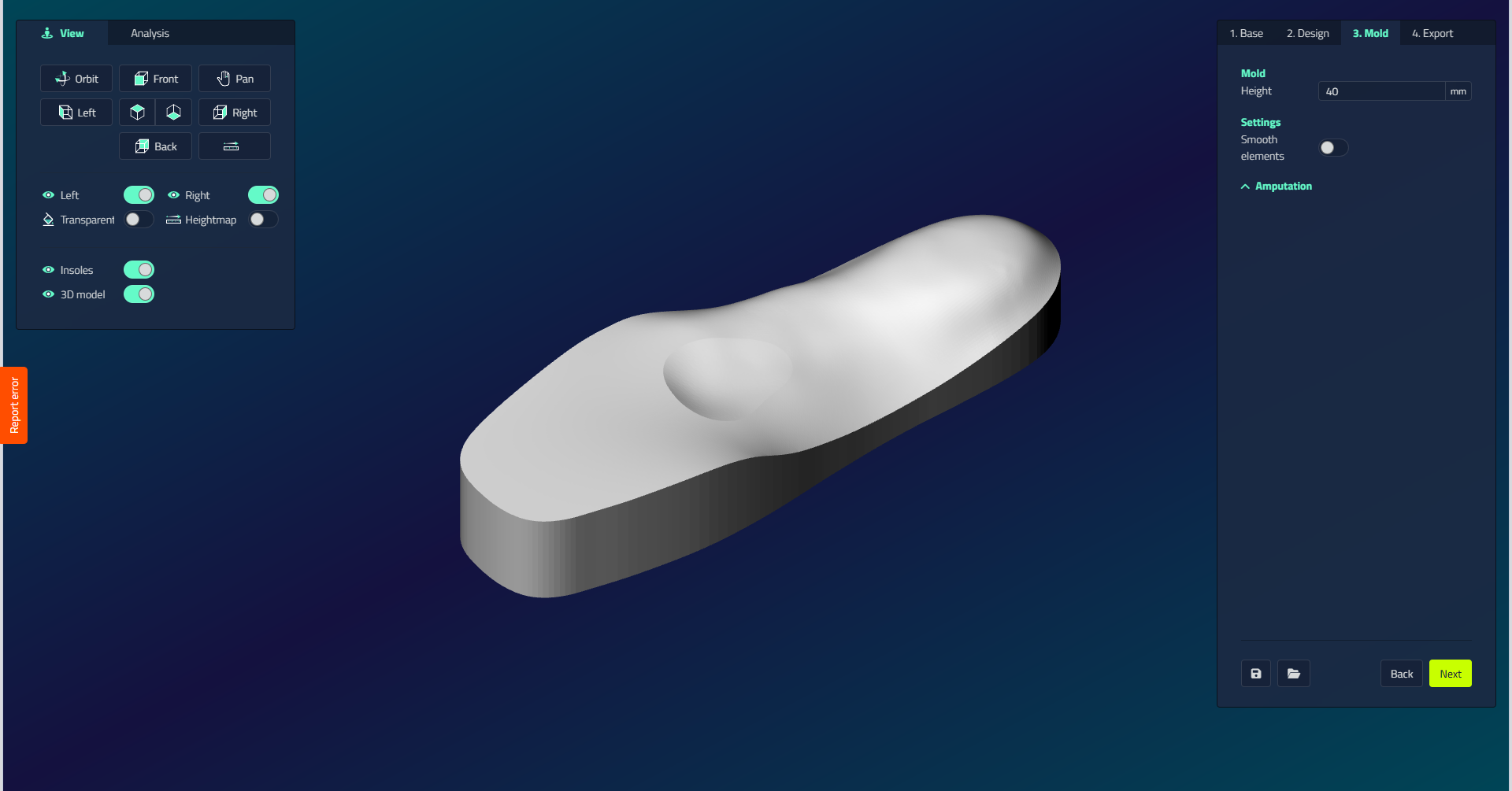
Mold
| Setting | Unit | Function | Visible when |
|---|---|---|---|
| Smooth elements | On/off | Smooths the transitions between elements | Always |
| Height | mm | Total height of the mold block | Always |
| Extension | On/off | Adds a demolding ledge | Short insole |
| Extension length | mm | Length of the ledge toward the toes | Extension on |
| Extension ledge height | mm | Step height of the ledge | Extension on |
Amputation
The Amputation section works exactly as in the EVA step: enable a side, set the Height, Fillet inside and Fillet outside, optionally add an Interface Fillet, then click Draw. It is available for full-length insoles; on a short insole the Extension controls replace it.