Cost settings, tags and the audit log
Three more tabs live under Farm Settings.
Cost Settings
Location: Farm Settings → Cost Settings
Cost Settings sets the farm's currency and the rates used to cost every print: material markup, print-time cost, electricity cost, and labour rate. These feed the cost figures on the Dashboard, in Print History and in Statistics.
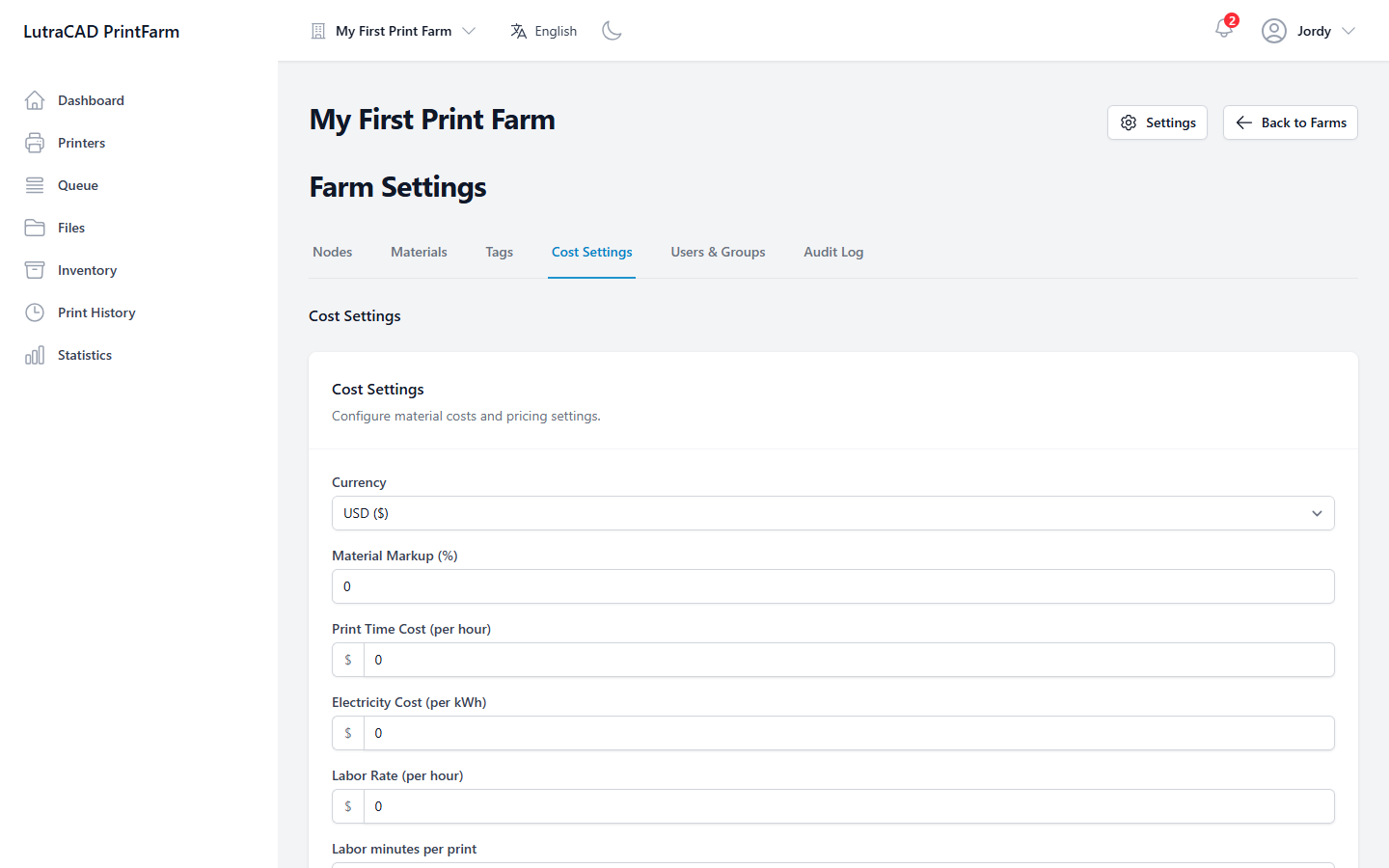
The full set of cost fields is:
| Field | Sets |
|---|---|
| Currency | The farm's currency |
| Material Markup (%) | A markup added on top of material cost |
| Print Time Cost (per hour) | Machine time cost per hour |
| Electricity Cost (per kWh) | Power cost per kWh |
| Labor Rate (per hour) | Labour cost per hour |
| Labor minutes per print | Minutes of labour counted per print |
Tags
Location: Farm Settings → Tags
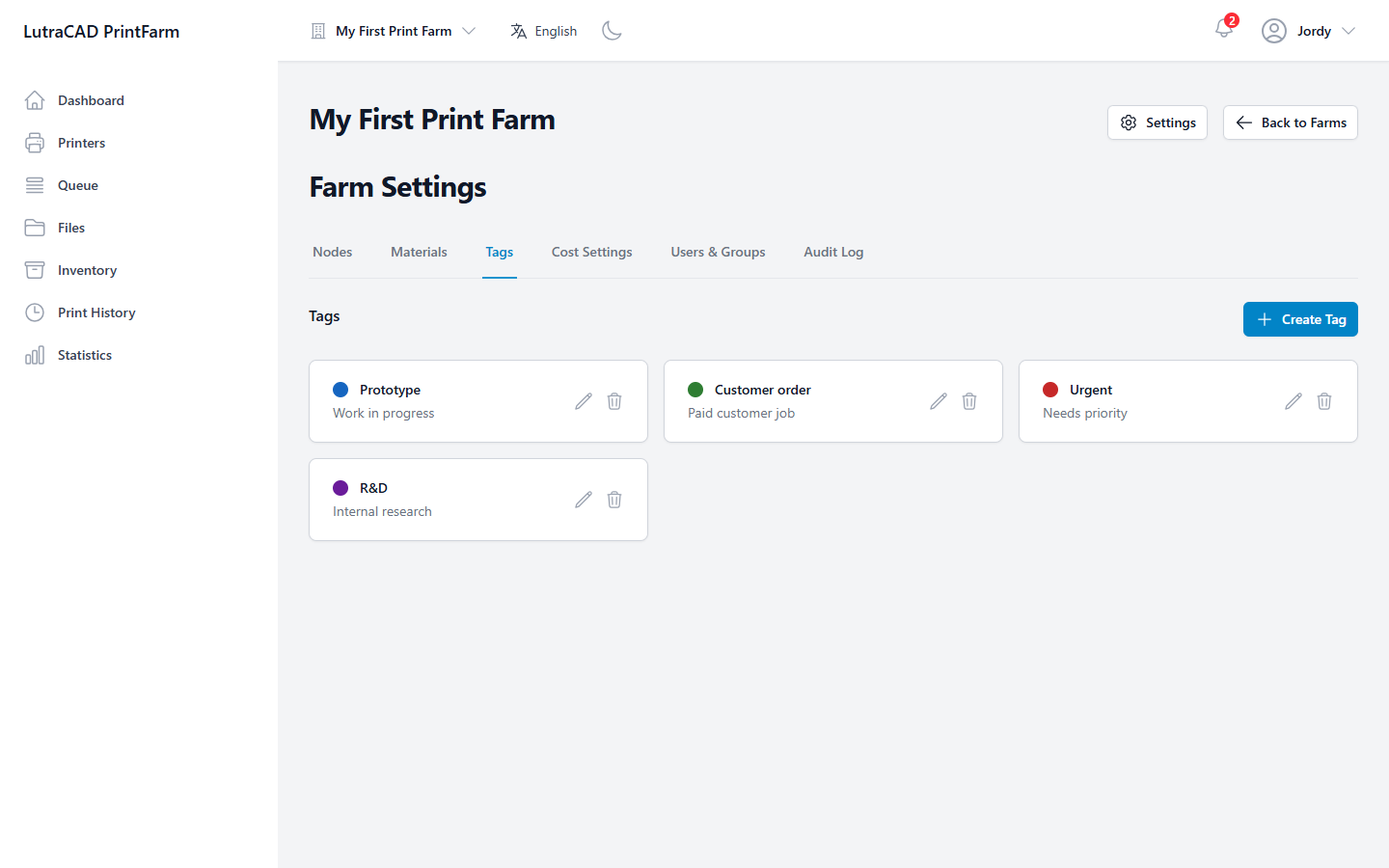
Tags are coloured labels for organising the farm's items. Create Tag opens Create Tag with a Label, Color and optional Description. Delete Tag warns the tag is "removed from all associated items."
Audit Log
Location: Farm Settings → Audit Log
The Audit Log records who did what in the farm. It is a plan feature; without it an upgrade panel appears. A notice reads "Logs are retained for 2 years (730 days)."
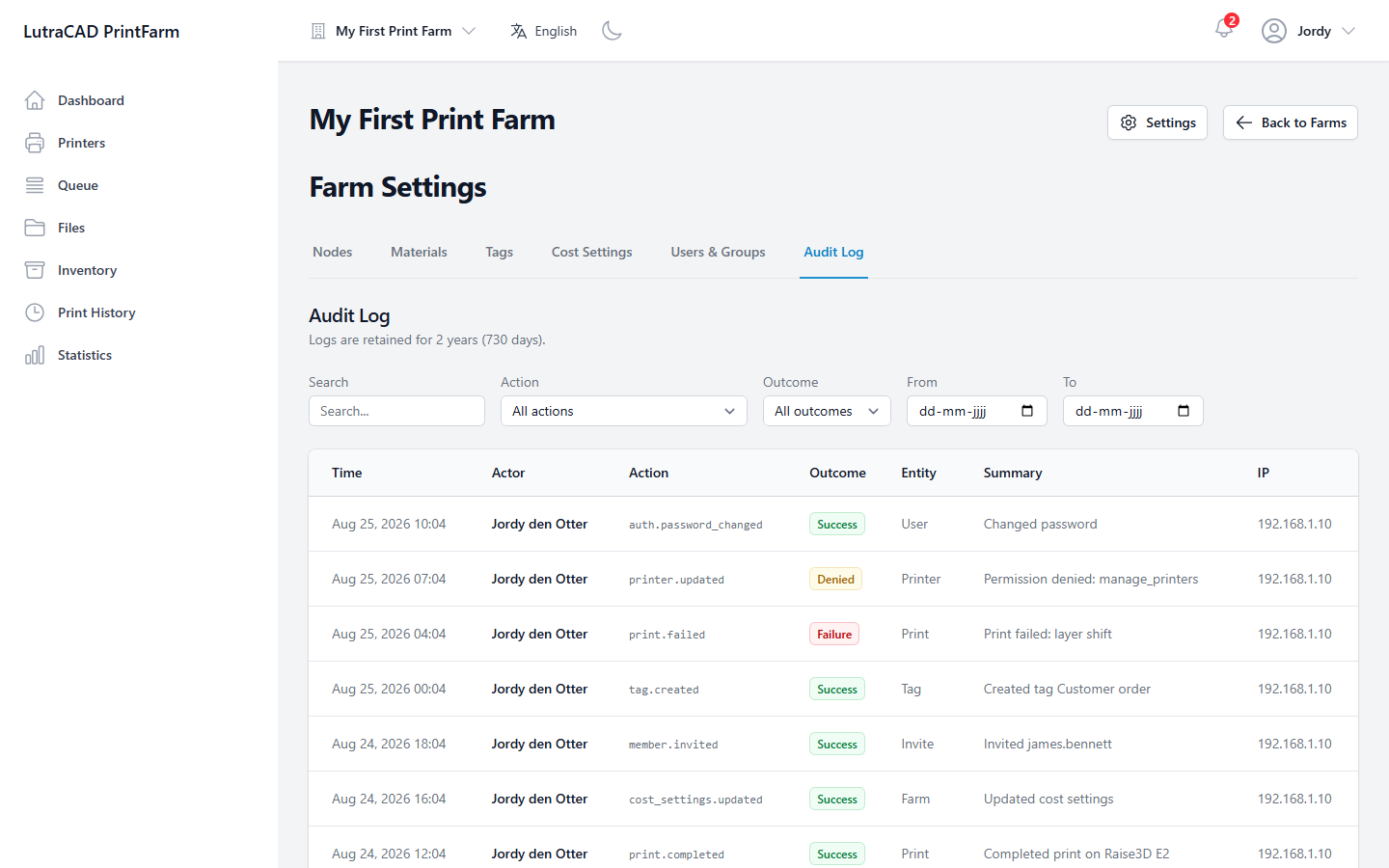
Filter by Search, Action, Outcome (Success, Failure or Denied) and a date range. The columns are Time, Actor, Action, Outcome, Entity, Summary and IP. System actions show System as the actor; actions taken while impersonating are marked as impersonated, with the name. When there is nothing to show, the log reads No audit records found.