Farms and farm management
A farm is a group of printers with its own members, materials, stock and settings. You can belong to several farms and switch between them with the farm switcher in the top bar.
Farm Management
Location: Farm switcher → Manage Farms
Farm Management shows your farms as cards. Each card shows the farm name, a Printers count and an Active Jobs count, and an options menu with Settings and, for farms you do not own, Leave farm.
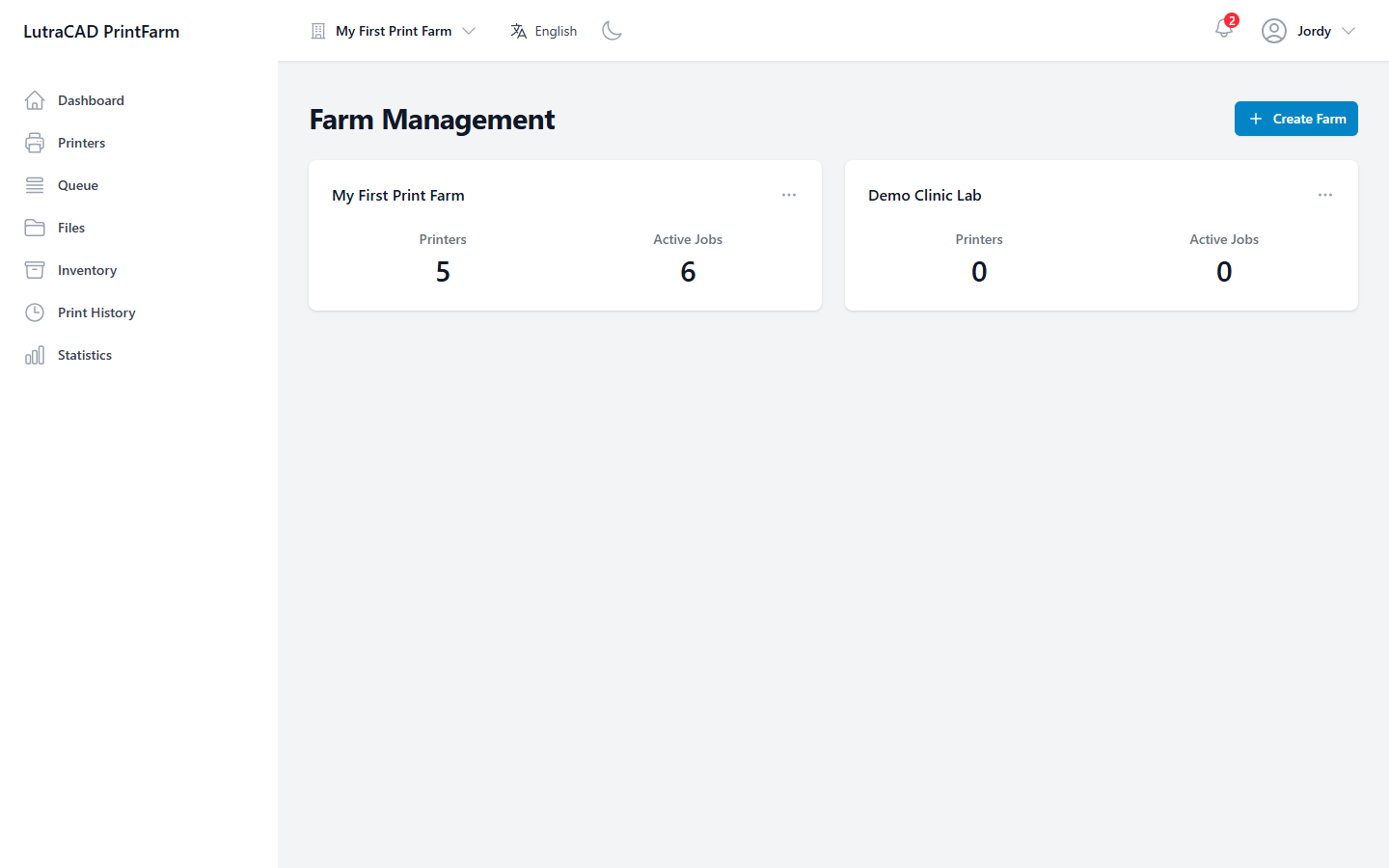
- Create Farm opens Create New Farm, with a Farm Name (required), Description and Location. If you have reached your owned-farm limit, a Farm limit reached message appears instead.
- Leave Farm asks you to confirm the farm by name, and warns "You will lose access to this farm. You can only rejoin if you are invited again."
note
The Settings button on a farm card appears only if you hold at least one of that farm's settings permissions.