Materials
Location: Farm Settings → Materials
The Materials tab defines the filaments the farm uses. Add Material opens Add Material; clicking an existing material opens Edit Material.
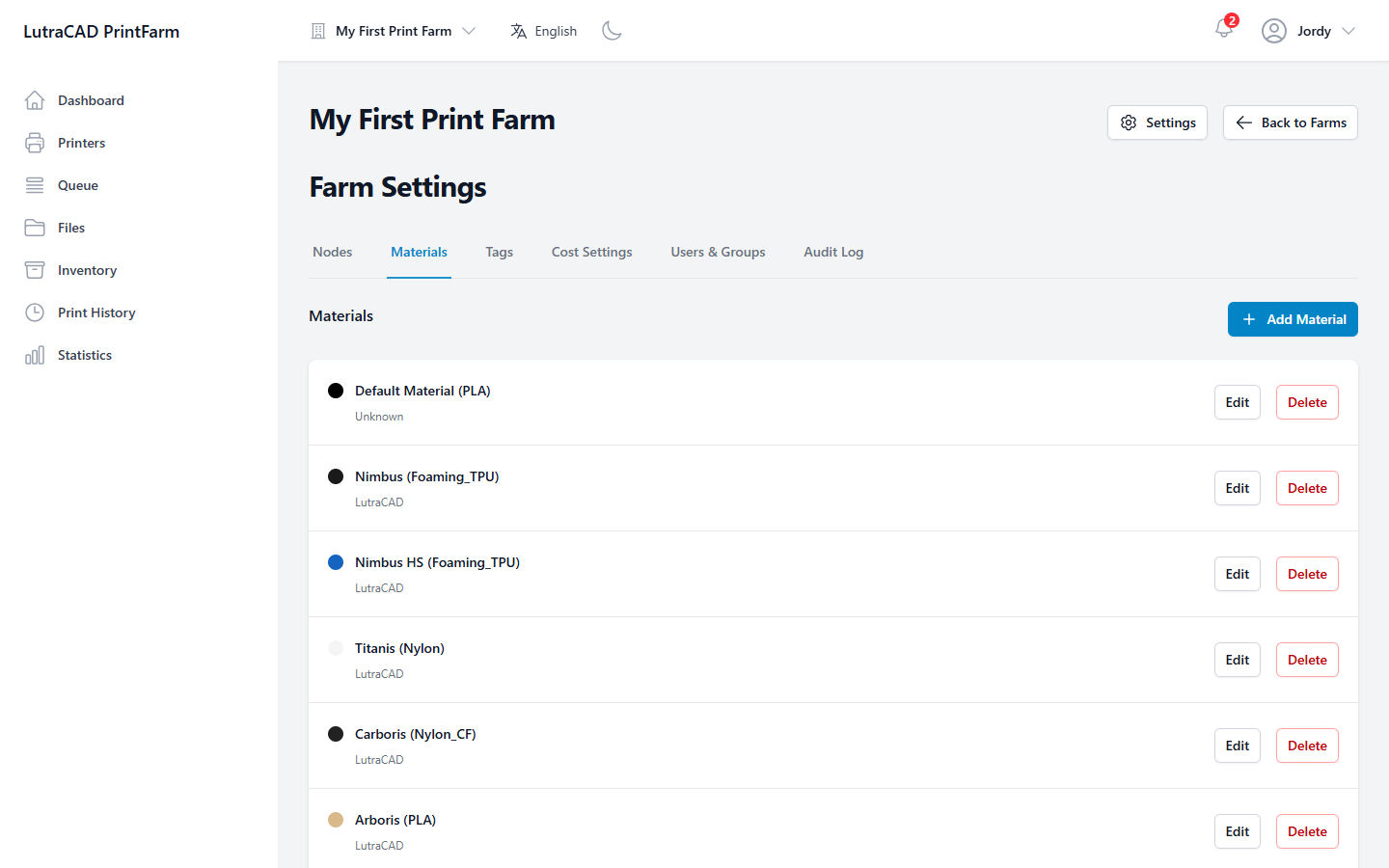
A material has:
| Field | Notes |
|---|---|
| Start from a preset | When adding: Custom (blank), or a preset that fills the form |
| Material Name | The name you give it |
| Type | PLA, PETG, ABS, TPU, HIPS, ASA, Nylon, Nylon CF, PP, PP CF, PEEK, Foaming TPU or Other |
| Manufacturer | Who makes it |
| Color | A colour picker |
| Spool Weight (g) | Weight of a full spool |
| Spool Length (m) | Length on a full spool |
| Diameter (mm) | Filament diameter |
| Cost | In the farm's currency |
Save with Save Changes or Add Material. Delete Material asks "Are you sure you want to delete this material?"
warning
Deleting a material is permanent and cannot be undone.