Notifications
Location: Top bar → bell icon
The bell in the top bar opens the notification list. Its heading is Notifications, with Mark all as read and, when there is nothing new, No new notifications.
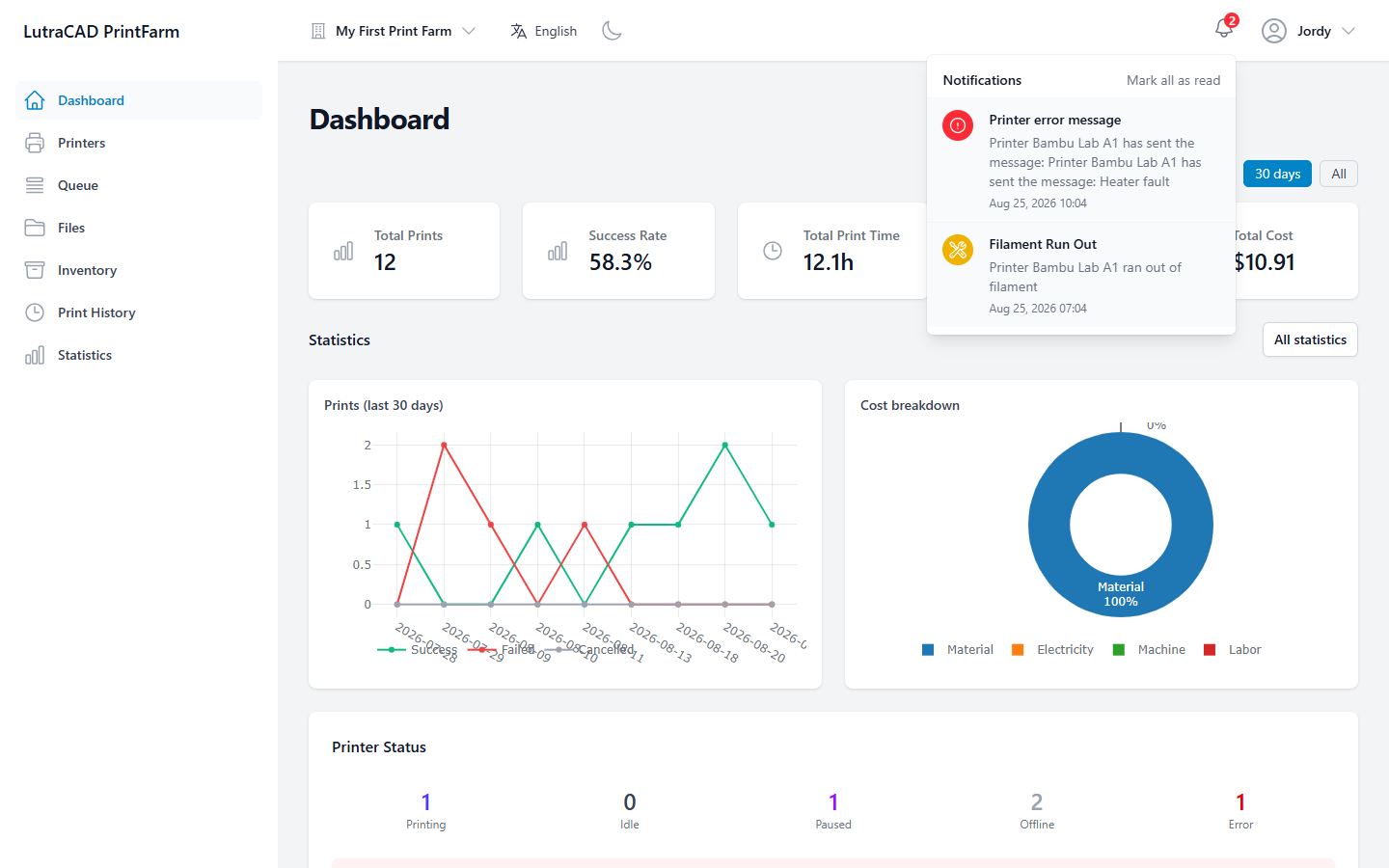
Notifications are raised for events such as:
- Filament Run Out: tells you a printer has run out of filament. This clears itself once the filament is reloaded.
- Printer error message: shows a message a printer has sent.
- Farm Invitation: tells you you've been invited to a farm. This row links to the invitation, so you can accept it straight from the bell.
The same fault reported over and over produces one notification, not a stream. Mark all as read clears the whole list at once; there is no per-notification dismiss.